1
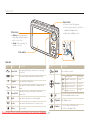
Camera layout
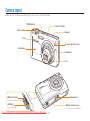
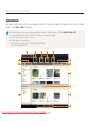
Before you start, familiarize yourself with your camera's parts and their functions.
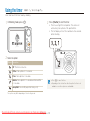
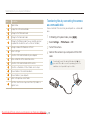
POWER button
Front LCD button
Shutter button
Speaker
Flash
AF-assist light/timer lamp
Front display
Microphone
Lens
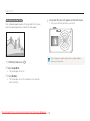
Tripod mount
USB and A/V port
Accepts USB cable or A/V cable
HDMI port
Battery chamber cover
Accepts HDMI cable
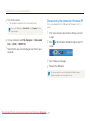
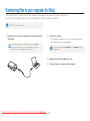
Insert a memory card and battery
Downloaded From camera-usermanual.com Samsung Manuals
Basic functions
13