1
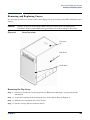
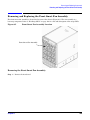
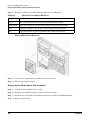
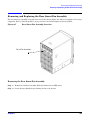
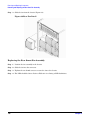
Removing and Replacing Components
Removing and Replacing a Removable Media Drive
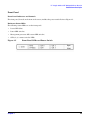
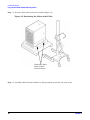
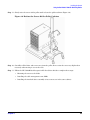
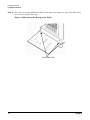
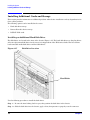
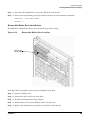
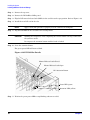
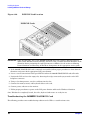
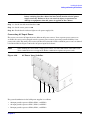
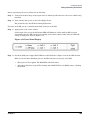
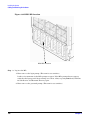
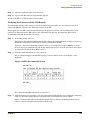
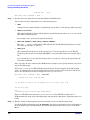
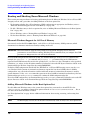
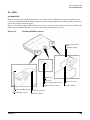
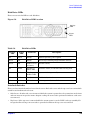
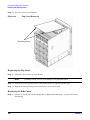
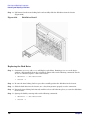
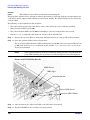
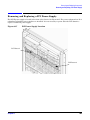
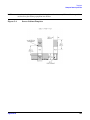
Step 9. Remove the rails and clips from the drive.
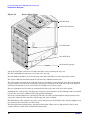
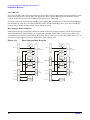
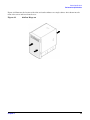
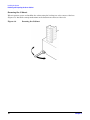
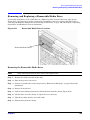
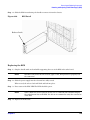
Figure 6-12
Removable Media Drive Detail
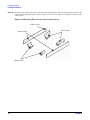
Locking Tabs
Replacing the Removable Media Drive
NOTE
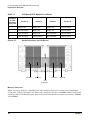
If applicable, install the bottom drive before installing the top drive.
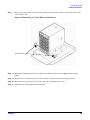
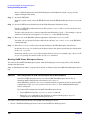
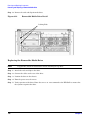
Step 1. Attach the rails and clips to the drive.
Step 2. Connect the cables to the rear of the drive.
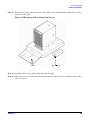
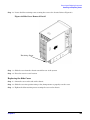
Step 3. Position the drive in the chassis.
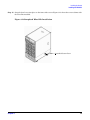
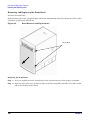
Step 4. Turn the power on to the server.
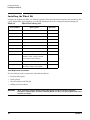
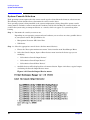
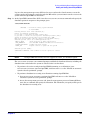
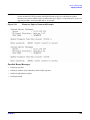
Step 5. Verify operation of the drive. Enter the SEArch or INFO command at the EFI Shell to ensure that
the system recognizes the drive.
197
Chapter 6