1
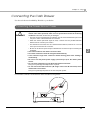
Connecting the Power Supply Unit (PS-180)
Use the PS-180 or an equivalent product as the power supply unit.
Before using the power supply unit, read carefully the user’s manual enclosed with it.
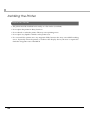
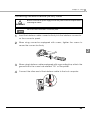
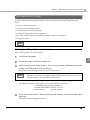
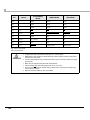
WARNING
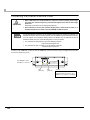
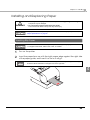
• Always use the EPSON PS-180 or an equivalent product as the power supply unit.
Using a nonstandard power supply can result in electric shock and fire.
• Should a fault ever occur in the EPSON PS-180 or equivalent product, immediately
turn off the power to the printer and unplug the power supply cable from the wall
socket.
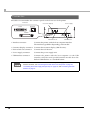
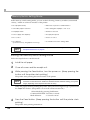
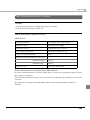
For an Energy Star-compliant printer, use only the power supply that came with the printer.
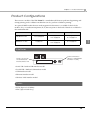
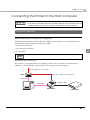
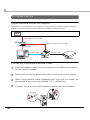
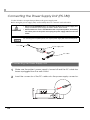
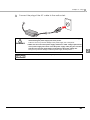
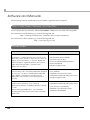
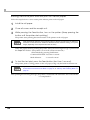
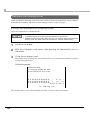
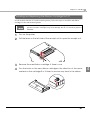
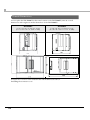
DC cable
Power supply unit
AC cable
Connecting the Power Supply Unit
1
2
62
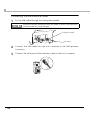
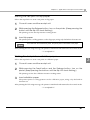
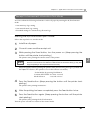
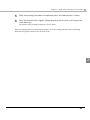
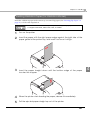
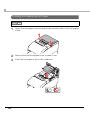
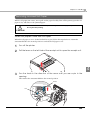
Make sure the printer’s power supply is turned off and the AC cable has
been unplugged from the wall socket.
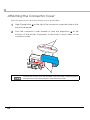
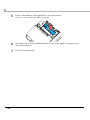
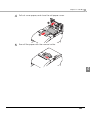
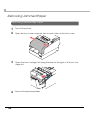
Insert the connector of the DC cable onto the power supply connector.