1
PaperJet 60e_se
6-06-2003
16:48
Pagina 22
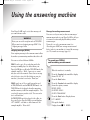
Using the one-touch memories
To store a one touch entry
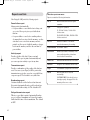
Using the codes 0-9, your PaperJet 60E has
10 one-touch memories under which you
can store a name, fax number and telephone
number.
Using the keypad to enter names and
numbers
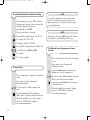
The keypad lets you type letters when you
are asked to enter a name.
Press the 5 button until the display shows J.
You can store numbers up to 32 digits long,
and names up to 16 characters long, in each
one-touch memory.
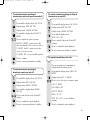
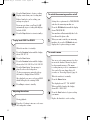
Press >
Press until the display shows FAX SET-UP
Press the 6 button until the display shows O.
Display shows DATE AND TIME
Press >
Press until the display shows ONE TOUCH
For example to enter the name JOHN:
DIAL
Press the 4 button until the display shows H.
Display shows TYPE ONE TOUCH
Press >
Press the 6 button until the display shows N.
/
Press >
Press the ✱ and # buttons to enter
different symbols such as ‘&’.
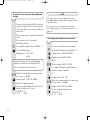
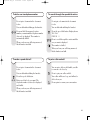
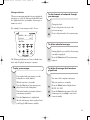
Enter a single digit 0-9 to set the one touch
memory location under which the name
and number will be stored, e.g. 1 Display
shows FAX or TEL NO.
Press to switch between FAX or TEL NO.
Press the < > buttons to move the cursor to
the character you want.
Press to select the fax or phone number
setting you want.
To delete the number or name you have
entered completely, press the Clear button.
Display shows FAX or TEL NO.
/
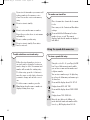
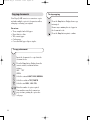
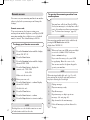
Enter the number you want to store.
If necessary, press the < > buttons to move
the cursor.
Press to confirm. Display shows 01: NAME
A-Z
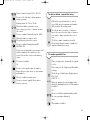
Enter the name you want to store.
Press buttons to move the cursor.
Press to confirm. Display shows EDIT
ANOTHER YES
22