1
7.7.3 Managing iButton® Keys
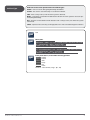
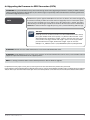
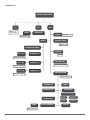
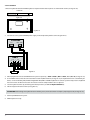
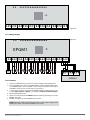
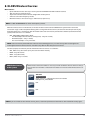
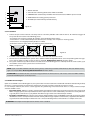
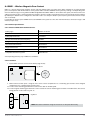
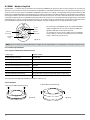
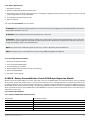
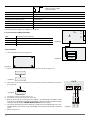
The procedure of adding an iButton® key to the system is performed by touching the iButton® key to the iButton® key reader
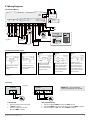
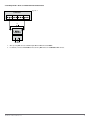
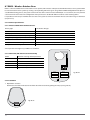
when New iButton® Key mode is enabled (see Fig. No. 30). Alarm system ESIM264 supports up to 5 iButton® keys with different IDs.
Fig. No. 30
NOTE: iButton® key1 ID can be added without New iButton® Key mode being enabled.
NOTE: When attempting to add the same iButton® Key ID twice, the system will consider this action as arming/disarming despite the
New iButton® Key mode status.
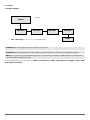
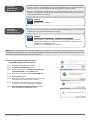
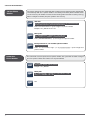
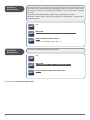
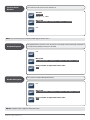
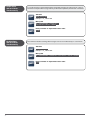
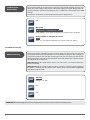
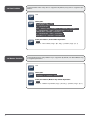
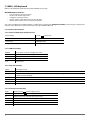
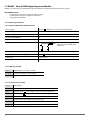
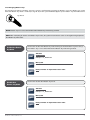
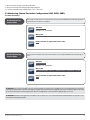
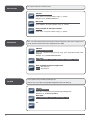
Enable New iButton®
Key Mode
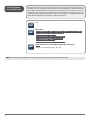
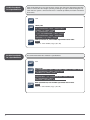
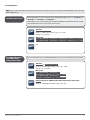
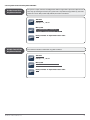
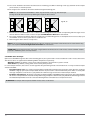
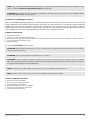
This function enables New iButton® Key mode allowing to add the iButton® key IDs to the system. iButton® key1 can be added without New iButton® Key mode being enabled.
SMS
EKB2
EKB3
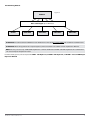
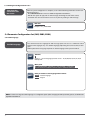
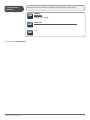
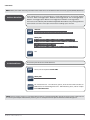
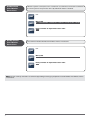
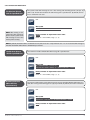
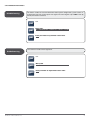
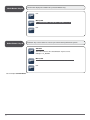
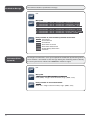
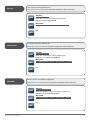
Disable New
iButton® Key Mode
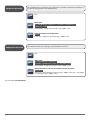
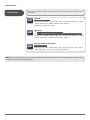
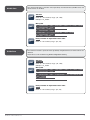
XXXX_IBPROG:ON
Example: 1111_IBPROG:ON
Menu path:
OK → CONFIGURATION → IBUTTON KEYS → NEW IBUTTON → ENABLE
Enter parameter 18 & parameter status value:
[180#]
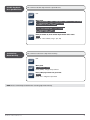
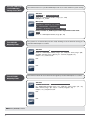
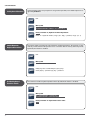
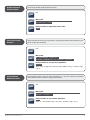
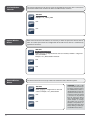
This function disables New iButton® Key mode.
SMS
EKB2
EKB3
Manual ELDES ESIM264 v2.2
SMS text:
SMS text:
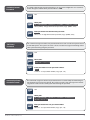
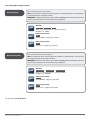
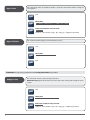
XXXX_IBPROG:OFF
Example: 1111_IBPROG:OFF
Menu path:
OK → CONFIGURATION → IBUTTON KEYS → NEW IBUTTON → DISABLE
Enter parameter 18 & parameter status value:
[181#]
99