1
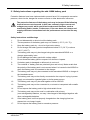
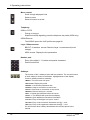
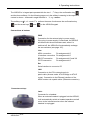
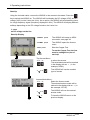
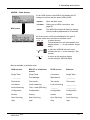
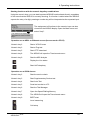
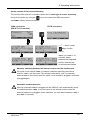
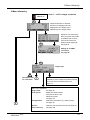
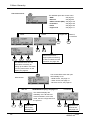
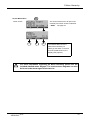
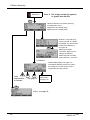
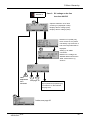
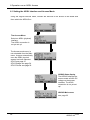
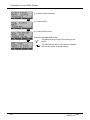
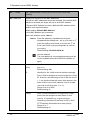
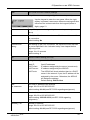
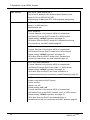
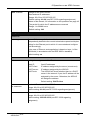
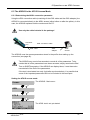
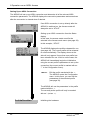
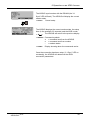
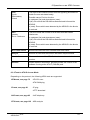
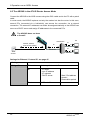
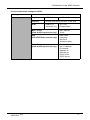
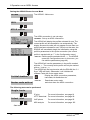
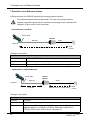
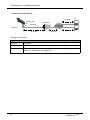
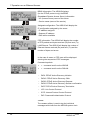
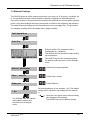
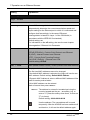
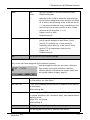
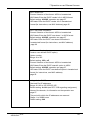
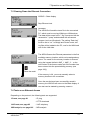
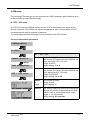
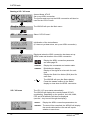
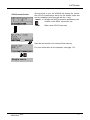
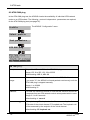
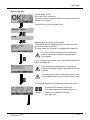
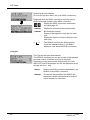
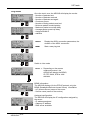
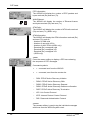
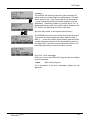
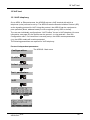
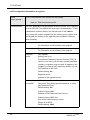
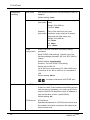
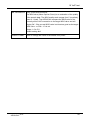
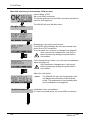
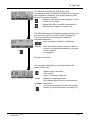
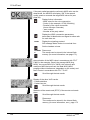
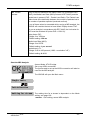
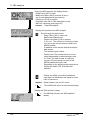
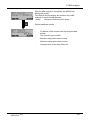
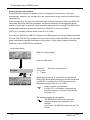
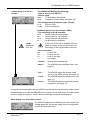
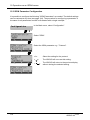
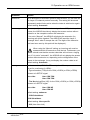
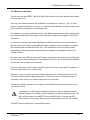
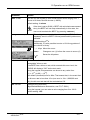
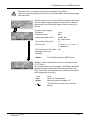
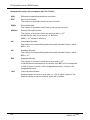
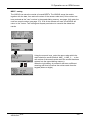
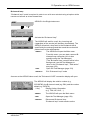
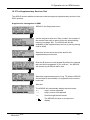
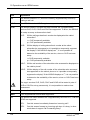
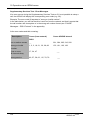
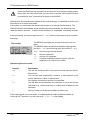
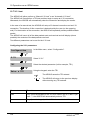
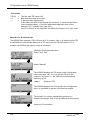
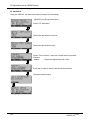
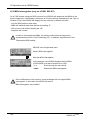
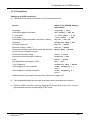
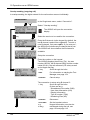
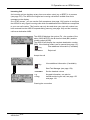
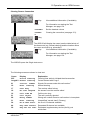
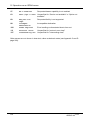
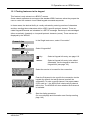
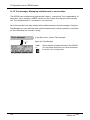
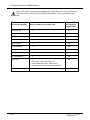
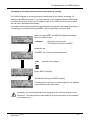
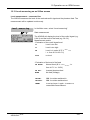
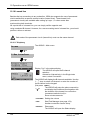
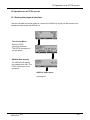
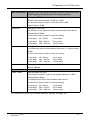
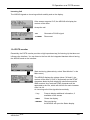
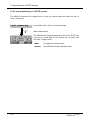
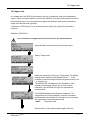
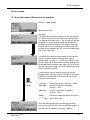
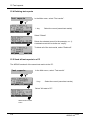
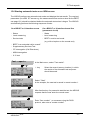
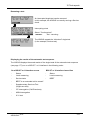
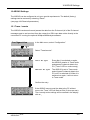
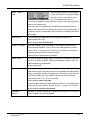
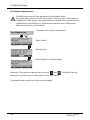
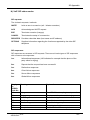
12 Operation on an ISDN Access Overlap sending (outgoing call) In overlap sending, the digits entered for the call number are sent individually. Connection < -Key > In the Single tests menu, select “Connection”. Select "Overlap sending" The ARGUS will open the connection display Select the service to be used for the connection. Enter the B-channel via the keypad (by default, the last B-channel used will be suggested). To enter a new B-channel, first press <DEL>. If you enter an *, the ARGUS will choose any B-channel that is free. The ARGUS will show whether the B-channel is available. Setup the connection Enter the number on the keypad. The ARGUS displays the service (Tel.), the own number (90700), the B-channel (B02) and the number called (01191), the call reference (CR value) as well as its length and flag. -key Scroll through the Infos <TM> For information on starting the Test Manager, see page 154. <CLEAR> Cancel setup The connection is setup using B-channel 2. -key Scroll through the Infos (if there are any): - Subaddress of the caller (SUB) - User-User Information (UUI) - Display Information - Type of number (TON) - Numbering Plan (NP) 146 <CLEAR> Disconnect <VOLUME> Set the handset volume e.g. 0-key Keypad information, can also be transferred during the call, see page 153 and page 118. ARGUS 42 PLUS