1
Learn howto
@
edit photos.
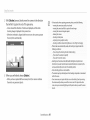
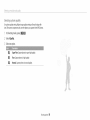
i Theiame[a Wi!! sayeedited ph0t0i as new fi!eS.
t When you edit ph0t0s, the camera will automatically Convert them to a lower resolution. Photos that you rotate manuJ!y a(e not automatically converted to a !0wer res01ution.
• Photos captured in some modes cannot be edited.
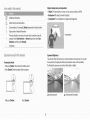
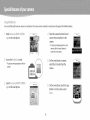
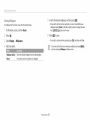
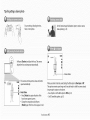
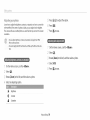
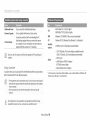
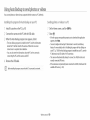
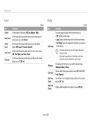
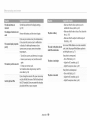
Resizing photos
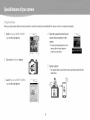
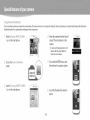
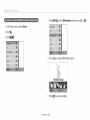
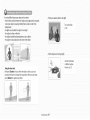
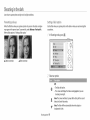
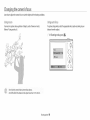
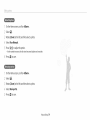
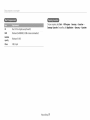
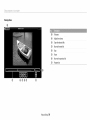
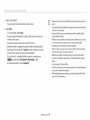
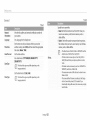
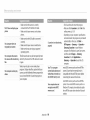
Rotating
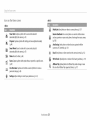
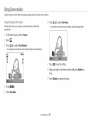
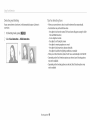
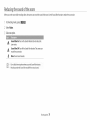
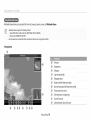
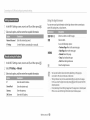
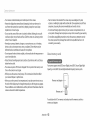
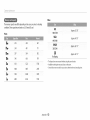
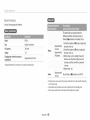
Change the size of a photo and save it as a new file.
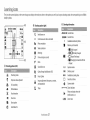
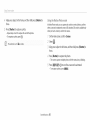
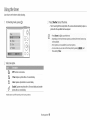
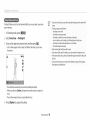
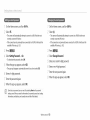
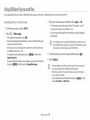
On the Home screen, scroll to <Album>.
In Playback mode, select a photo, and then press [MENU].
2
Select
a photo
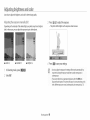
2 Select _.
ResJze.
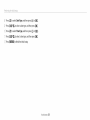
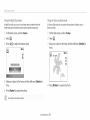
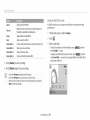
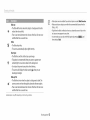
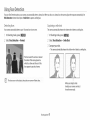
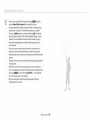
,_} Rotate [Zoom] to the left, and then select a photo.
,3 Select an option.
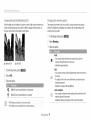
# Select Rotate--_ an option.
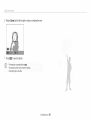
5 Press [_,_]to save.
Q
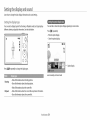
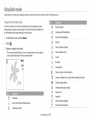
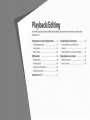
Playback!Editing
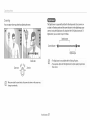
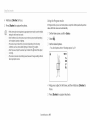
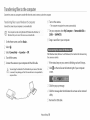
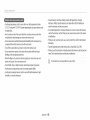
The €#me[a w!!l o_erwdte the original f!!el
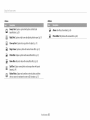
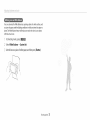
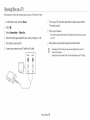
In Playback mode, press [MEN[J]; and then SelectRotate to rotate a photo:
88