1
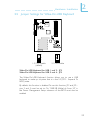
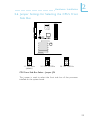
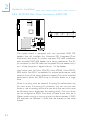
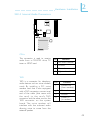
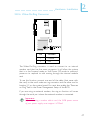
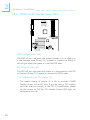
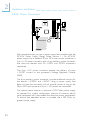
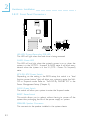
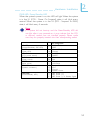
Hardware Installation 2.4 Jumper Settings for Wake-On-Keyboard/ Wake-On-Mouse 1 1 2 2 3 3 1-2 On: Disable (default) 2-3 On: Enable Wake-On-Keyboard/Wake-On-Mouse - Jumper JP1 The Wake-On-Keyboard/Wake-On-Mouse function allows you to use the keyboard or PS/2 mouse to power-on the system. By default, JP1 is disabled. To use this function, set JP1 to 2-3 On. Keyboard/ Mouse Power On in the Integrated Peripherals submenu of the BIOS must be set accordingly. Refer to chapter 3 for details. Warning: 1. If JP1 was enabled with a password set in the KB Power On Password field, and now you wish to disable the keyboard password function, make sure to set the Keyboard/Mouse Power On field to Disabled prior to setting JP1 to disabled. You will not be able to boot up the system if you fail to do so. 21