1
Simrad SH80
Object pop-up
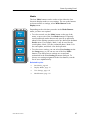
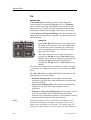
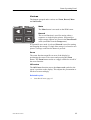
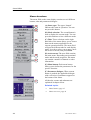
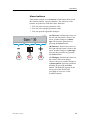
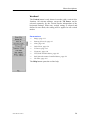
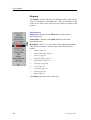
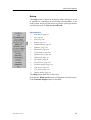
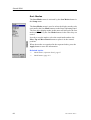
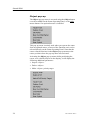
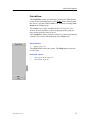
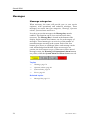
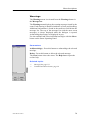
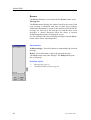
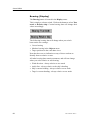
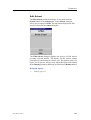
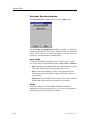
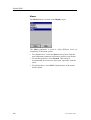
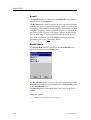
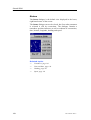
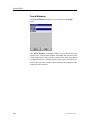
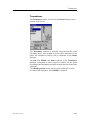
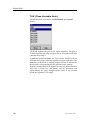
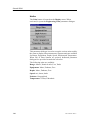
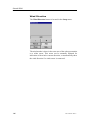
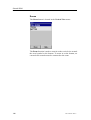
The Object pop-up menu is accessed using the Object button
over the trackball on the Sonar Operating Panel, or the right
mouse button if an optional mouse is installed.
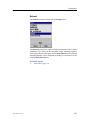
This pop-up menu is mainly used when you operate the sonar
from an optional mouse, as most of the functions on it can be
selected directly on the Sonar Operating Panel. Note that the
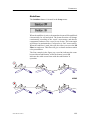
cursor related selections in the Object pop-up menu use the
cursor position where the pop-up menu was activated.
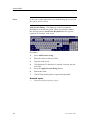
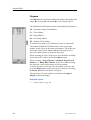
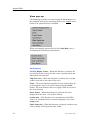
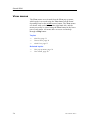
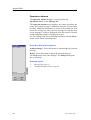
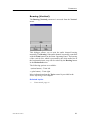
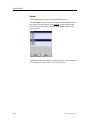
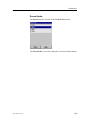
Activating the Object pop-up menu whilst positioning the
cursor over a defined object on the display, it will display the
following additional parameters.
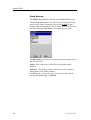
• Inspect <object>
• Delete <object>
• Make <object> priority target
72
850-164385 / Rev.C