1
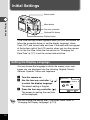
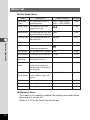
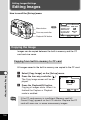
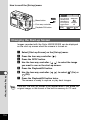
Rec.Mode
Memory
Recorded Pixels
Quality Level
White Balance
Focusing Area
Digital Zoom
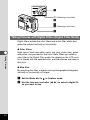
Menu button
Four-way controller
(1/3)
MENU
Playback/OK button
Set-up
2048×1536
AWB
Multiple
On
Exit
OK
Ok
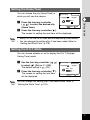
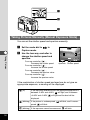
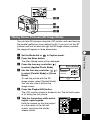
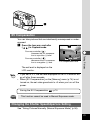
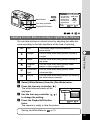
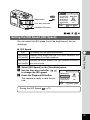
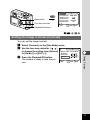
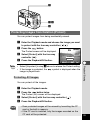
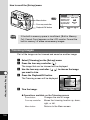
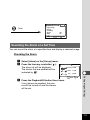
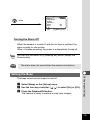
Selecting the Quality Levels
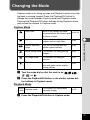
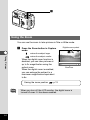
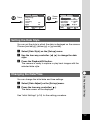
You can choose the image compression rate.
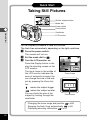
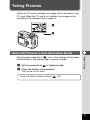
Taking Pictures
z
x
c
64
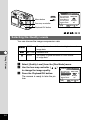
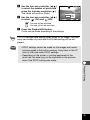
BEST
The quality is better and there is a high volume of
image data.
BETTER
Standard level
GOOD
The quality is good and there is a low volume
of image data.
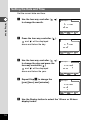
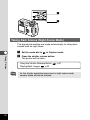
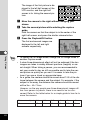
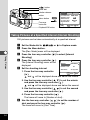
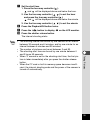
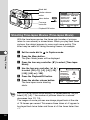
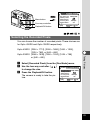
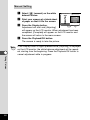
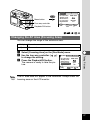
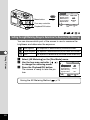
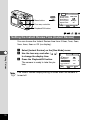
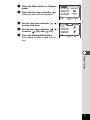
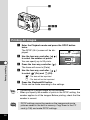
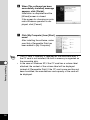
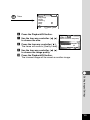
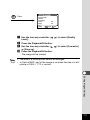
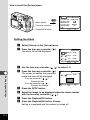
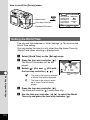
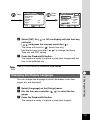
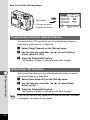
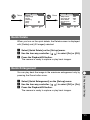
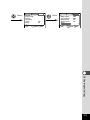
Select [Quality Level] from the [Rec.Mode] menu.
Use the four-way controller (
to change the image quality.
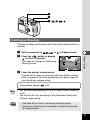
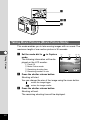
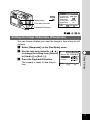
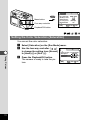
Press the Playback/OK button.
The camera is ready to take the picture.
)
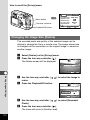
Rec.Mode
Memory
Recorded Pixels
Quality Level
White Balance
Focusing Area
Digital Zoom
(1/3)
MENU
Set-up
2048×1536
AWB
Multiple
On
Exit
OK
Ok