1
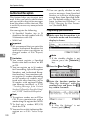
Key Operator Setting
Changing the User Parameters
• We recommend that you print the
User Parameter list and keep it
when you register or change a user
parameter. ⇒ P.135 “Printing the
User Parameter list”
• Do not change any bit switches
other than those shown on the previous pages.
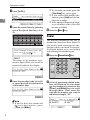
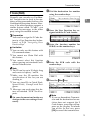
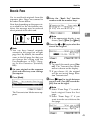
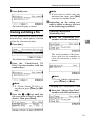
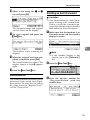
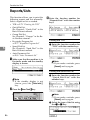
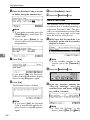
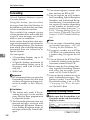
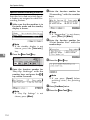
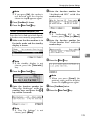
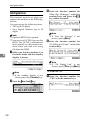
A Make sure that the machine is in
Facsimile mode and the standby
display is shown.
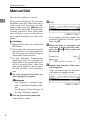
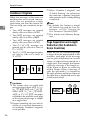
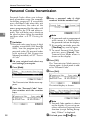
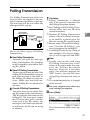
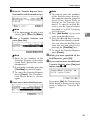
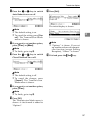
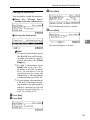
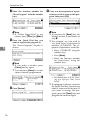
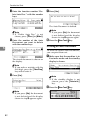
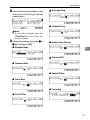
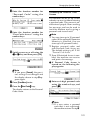
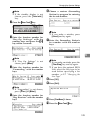
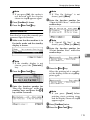
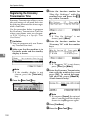
D Enter the “User Parameters” code
with the number keys.
Us200-1.tif
Note
❒ If “User Parameters” is not
shown, press [↑
↑Prev.] or [↓
↓Next].
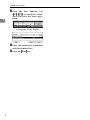
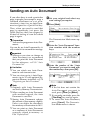
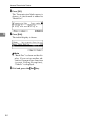
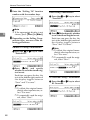
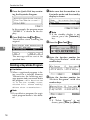
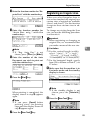
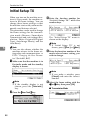
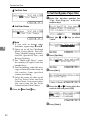
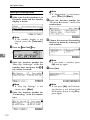
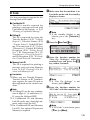
E Select a number for a switch you
wish to change by pressing
[↑
↑Switch] or [↓
↓Switch].
Us28-1.tif
Us206-2.tif
6
Note
❒ If the standby display is not
shown, press the {Facsimile}
key.
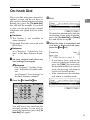
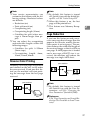
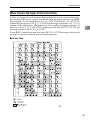
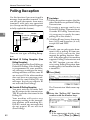
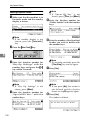
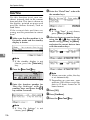
B Press the {User Tools}} key.
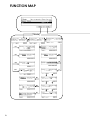
LTWO120E.eps
Interrupt
Program
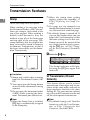
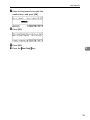
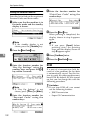
G When
you have finished, press
Clear Modes Energy Saver
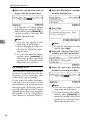
C Enter
the function number for
“Key Op. Settings” with the
number keys and press the { #}
}
key within 3 seconds.
Usfax-new062.tif
Note
❒ If “Key Op. Settings” is not
shown, press [↓
↓Next].
134
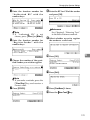
ing to the bit number you wish to
change for example, press {0}
} to
change bit 0.
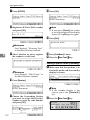
[OK].
Screen Contrast
User Tools Adjustment
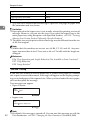
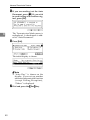
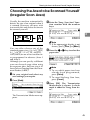
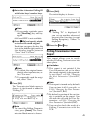
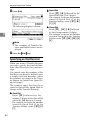
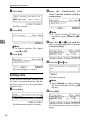
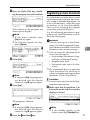
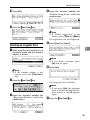
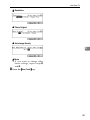
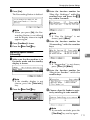
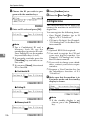
F Press a number key correspond-
Note
❒ If you press [Cancel], the specified settings are canceled and
the display shown in step D appears again.
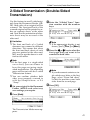
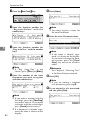
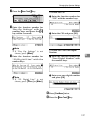
H Press [PrevMenu].
I Press the {User Tools}} key.