1
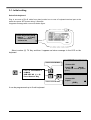
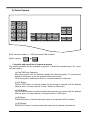
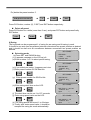
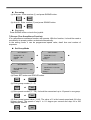
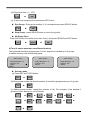
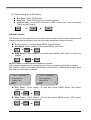
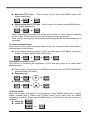
Memorize PTZ Trace : button respectively. 9 ¨ MENU ¨ Enter number (9) and then press MENU button, ON ON Delete memorized PTZ Trace : Enter number (9) and then press MENU button, OFF button respectively. 9 ¨ MENU ¨ OFF When manipulating according this setting the message of “Trace memory” appears on the screen. At the moment, move pan, tilt and zoom with the joystick. If the memory time expires, the memorizing stop automatically and memorized ptz is registered. 11) Camera Remote Reset This is same as the action switching power off and on (it means reboot) and doesn’t influence preset memory data. Enter desired camera number (1~255) and then press CAM button, then enter number 10, press MENU button, ENT button. 1~255 ¨ CAM ¨ 10 ¨ MENU ¨ ENT 12) Brightness control of LCD This function is controlling the brightness of LCD and being able to be used where desired location. Enter number (20) and then press MENU button and move JOYSTICK UP/DOWN and then press CLR button. Brightness Up 20 ¨ MENU ¨ up ¨ CLR ¨ CLR Brightness Down 20 ¨ MENU ¨ dow 13) Alarm On/Off Using alarm sensor with preset or any equipment, press ALARM button and if related sensor actuated then it makes sure of alarm sound at the same time the related equipment is working. Press again ALARM button or CLR button then the function is cancelled. Alarm On : ALARM Alarm Off : ALARM or CLR 21