1
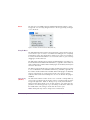
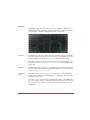
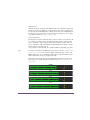
K-20
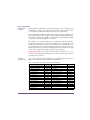
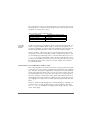
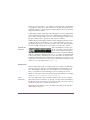
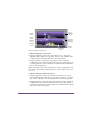
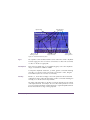
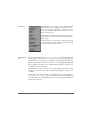
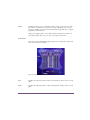
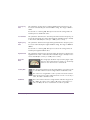
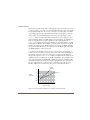
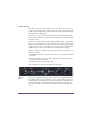
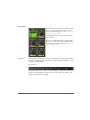
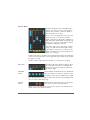
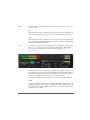
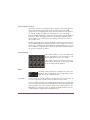
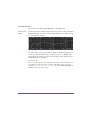
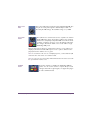
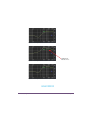
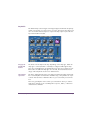
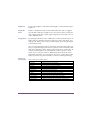
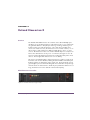
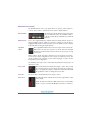
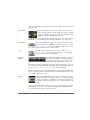
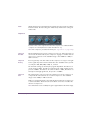
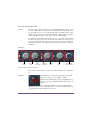
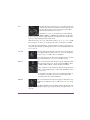
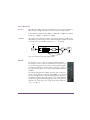
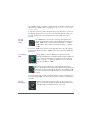
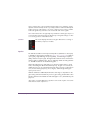
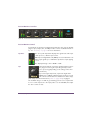
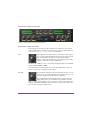
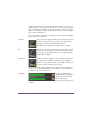
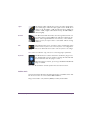
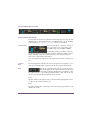
In Normal mode, the meter range is –40dB to 20dB with a linear response of
0.5dB per segment. In Zoom mode, the range is –8dB to 20dB with two different linear responses: 0.2dB per segment from –8 to 15dB, and 0.1dB per
segment from 15dB to 20dB.
K-14
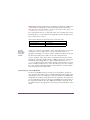
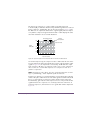
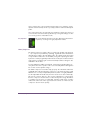
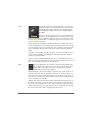
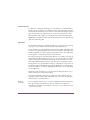
In Normal mode, the meter range is –46dB to 14dB with a linear response of
0.5dB per segment. In Zoom mode, the range is –10dB to 14dB, with linear
response of 0.2dB per segment.
K-12
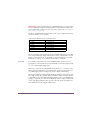
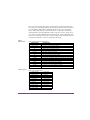
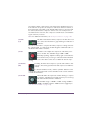
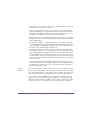
In Normal mode, the meter range is –48dB to 12dB with a linear response of
0.5dB per segment. In Zoom mode, the range is –12dB to 12dB, with linear
response of 0.2dB per segment.
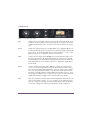
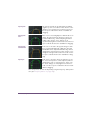
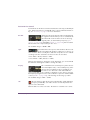
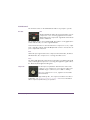
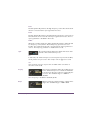
Hold
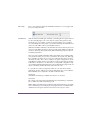
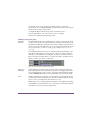
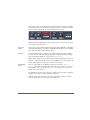
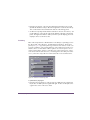
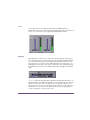
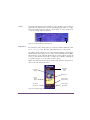
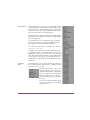
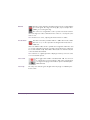
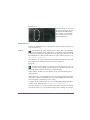
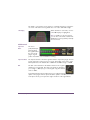
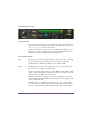
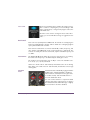
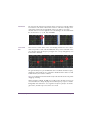
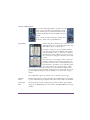
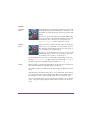
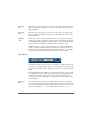
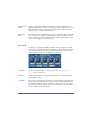
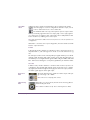
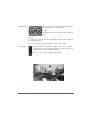
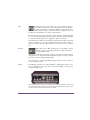
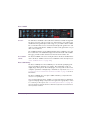
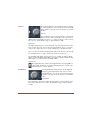
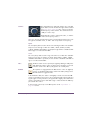
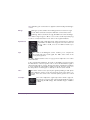
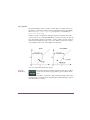
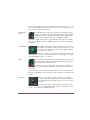
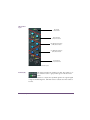
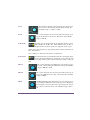
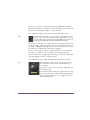
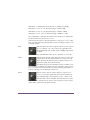
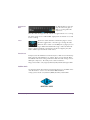
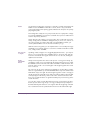
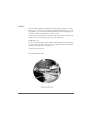
The meter Hold Time switch determines how much time will pass before the
peak values for the main meter and the gain reduction meter are reset. It affects both the peak LED’s and the peak text display.
Values of 3 seconds, 10 seconds, or Infinite (indicated by the lazy-8 symbol)
can be selected.
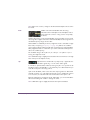
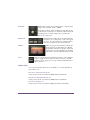
Clear
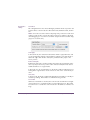
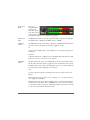
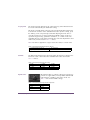
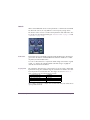
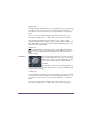
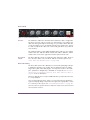
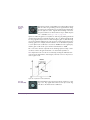
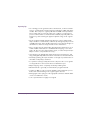
The meter Peak Clear switch clears the meter peak value display. It affects
both the peak LED’s and the peak text display.
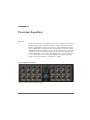
Precision Limiter Latency
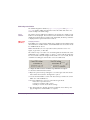
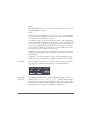
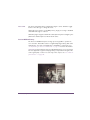
The Precision Limiter has a 1.5ms look-ahead window to ensure clipping does
not occur. This look-ahead function results in a slightly larger latency than
other UAD plugins. You may use DelayComp or TrackAdv to compensate.
See “Compensating for Precision Limiter” on page 56 for more information.
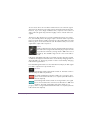
Note: Compensating for Precision Limiter is not required if the host application supports full plugin delay compensation throughout the signal path, or
when it is used only on the outputs. See “Host PDC Implementation” on
page 50.
UAD Powered Plug-Ins Manual
- 157 -
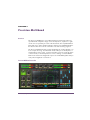
Precision Limiter