1
User’s Guide – Osprey 75/102/130
Chapter 7: Troubleshooting
7.4 WHEN MEDIA JAMS OCCUR
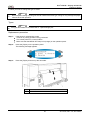
Be sure to read and understand the safety warnings before handling the printer.
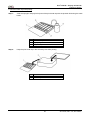
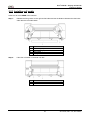
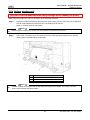
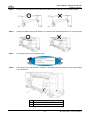
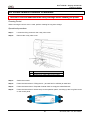
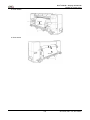
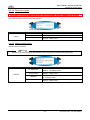
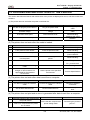
If the loaded media has been jammed in the printer, follow the steps below to remove the jammed media.
7.4.1 How to remove the media
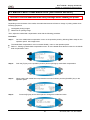
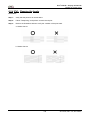
Step 1
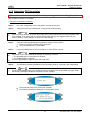
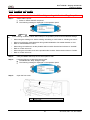
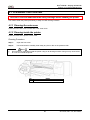
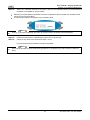
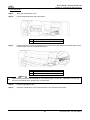
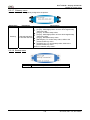
Restart the printer. Switch OFF the power supply of the product and switch ON again.
Step 2
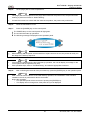
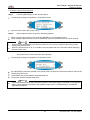
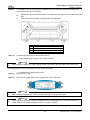
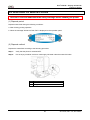
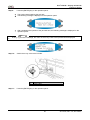
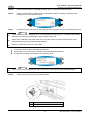
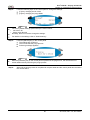
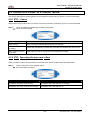
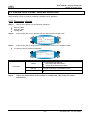
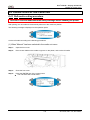
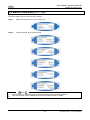
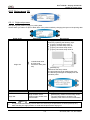
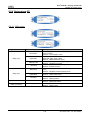
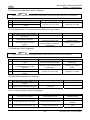
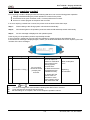
Press the [F3] key in the media initial menu to raise the pressure roller.
• The MEDIA SET lamp lit (green).
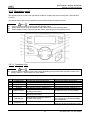
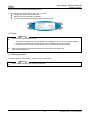
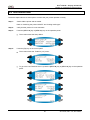
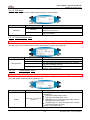
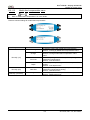
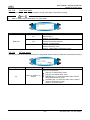
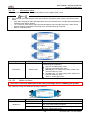
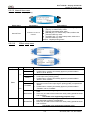
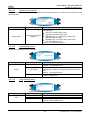
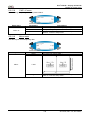
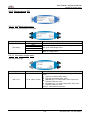
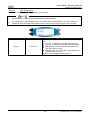
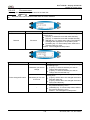
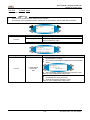
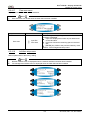
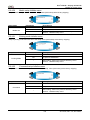
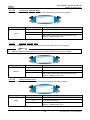
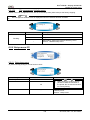
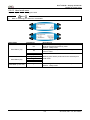
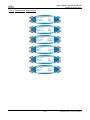
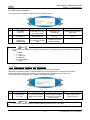
• The following message is displayed on the operation panel.
•
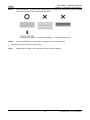
Notes
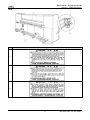
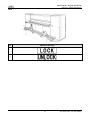
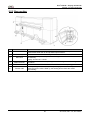
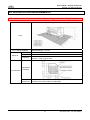
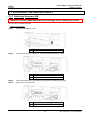
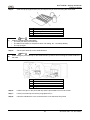
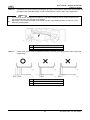
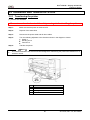
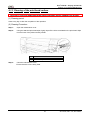
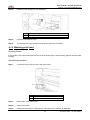
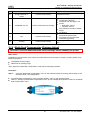
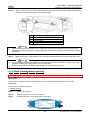
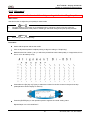
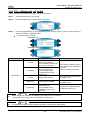
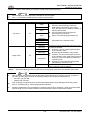
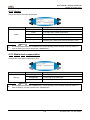
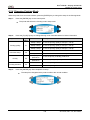
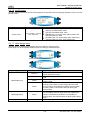
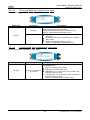
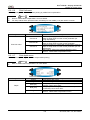
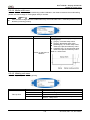
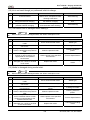
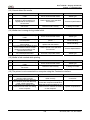
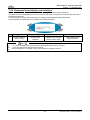
When raising or lowering the pressure roller, you can use the foot switch instead of the control panel.
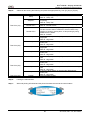
No.
1
Name
Foot switch
174
AP-75102, Rev. 2.0, 28/11/2007