1
Scanning
Scanning a document using the WIA driver
(For Windows® XP only)
WIA compliant
2
Windows® XP uses Windows® Image Acquisition (WIA) for scanning images from the machine. You can scan
images directly into the PaperPort® 9.0SE viewer included with your machine or you can scan images directly
into any other software application that supports WIA or TWAIN scanning.
Accessing the scanner
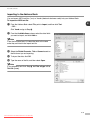
1
Open your software application to scan the document.
Note
The instructions for scanning in this Guide are for when you use ScanSoft® PaperPort® 9.0SE. The steps for
scanning from another application may vary.
2
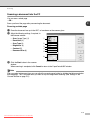
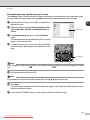
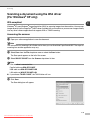
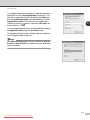
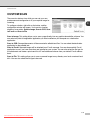
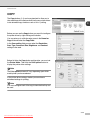
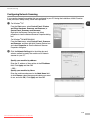
Select Scan from the File drop-down menu or select the Scan button.
The Scan panel appears on the left of the screen.
3
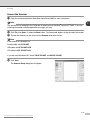
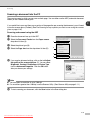
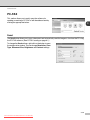
Select WIA-SP C210SF from the Scanner drop-down list box.
Note
■ If the machine is connected via:
Parallel cable use WIA-SP C210SF
USB cable use WIA-SP C210SF USB
LAN cable use WIA-SP C210SF LAN
■ If you choose TW-SP C210SF, the TWAIN driver will run.
4
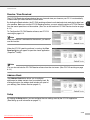
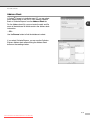
Click Scan.
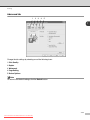
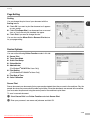
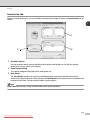
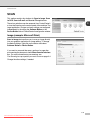
The Scan dialog box will appear:
2-8
Downloaded from ManualsPrinter.com Manuals