1
USB Hexa Media Drive Users Manual
149313-02 Rev. D
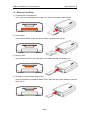
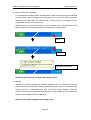
4) Disconnecting the USB cable
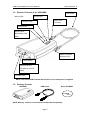
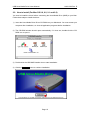
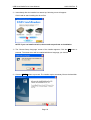
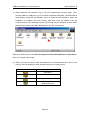
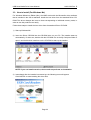
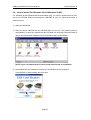
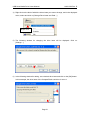
For Windows Me, Windows 2000, and Windows XP, before disconnecting the USB cable,
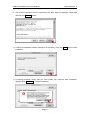
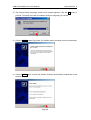
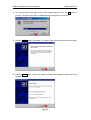
click the Unplug or Eject Hardware icon on the task tray to remove the device, and then
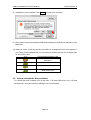
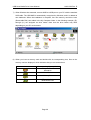
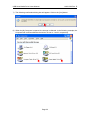
disconnect the USB cable. For Windows Me, memory cards are displayed as four
independent drives; remove all of them.
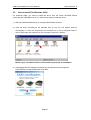
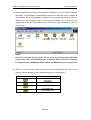
Windows 98 does not have the Unplug or Eject Hardware icon on the task tray. Check
that the HMD is not being accessed and then disconnect the USB cable.
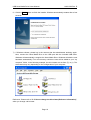
Click
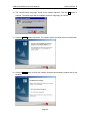
Click
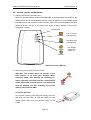
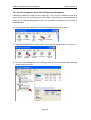
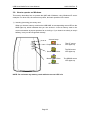
Disconnect USB cable.
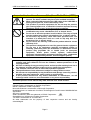
NOTE: Do not disconnect the USB cable during access.
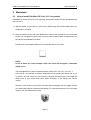
5) Standby
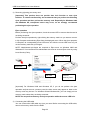
Although this product supports the Windows standby mode, we recommend that you
remove all memory cards before standby. Depending on your version of Windows or the
model of your PC, a malfunction may occur. In this case, before standby, remove all
memory cards and then disconnect the USB cable. During standby, do not insert/remove
media or connect/disconnect the USB cable.
NOTE: Do not initiate standby mode during access.
Page 35