1
n
BN68-00848A-00Eng_0404
4/4/05
4:00 PM
Page 37
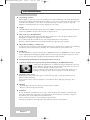
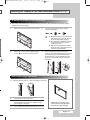
Selecting the Fan
Fans inside the PDP Monitor are used to lower the temperature of
the tops and the front of the PDP Monitor. To reduce the noise of the
fan, you may stop the fan by setting the Fan to “Off”.
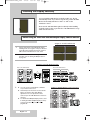
The temperature of the top and the front of the PDP Monitor may
increase when you watch the PDP Monitor for a long period of time
while the fan is stopped, but the PDP Monitor will operate normally.
TV
Function
Screen Burn Protection
√
Safety Lock
√
Multi Control
√
Fan
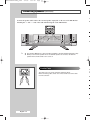
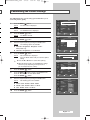
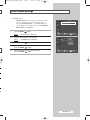
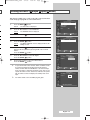
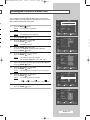
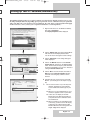
1
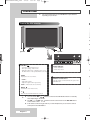
Press the MENU (
Result:
√
Video Wall
√
: Off
) button.
The main menu is displayed.
Move
Enter
Return
Press the ▲ or ▼ button to select Function.
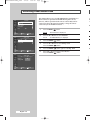
2
Result:
The Function menu is displayed.
TV
Function
Screen Burn Protection
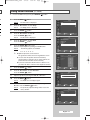
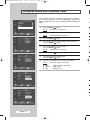
3
Press the ENTER (
) button.
Safety Lock
Multi Control
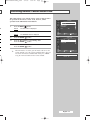
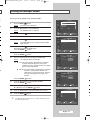
4
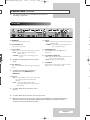
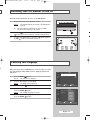
Press the ▲ or ▼ button to select Fan.
Press the ENTER (
) button.
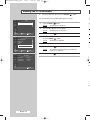
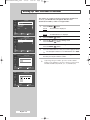
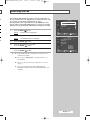
5
Select Off or On by pressing the ▲ or ▼ button.
Press the ENTER (
) button.
Video Wall
Fan
: Off Off
On
➢
Move
Enter
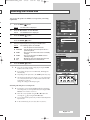
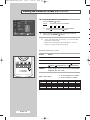
◆ If your PDP Monitor is displayed vertically, the fan
automatically works.
◆ The message Check Fan is displayed if there is a
fan problem.
◆ Please use the fan when the temperature is over 35
degrees.
◆ The Fan function for the models PPM-42M5SS,
PPM42M5SS, PPM-42M5SB and PPM42M5SB is not
available.
English - 37
Return