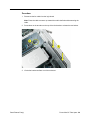
1
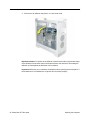
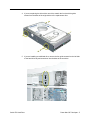
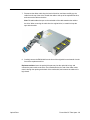
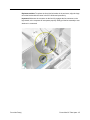
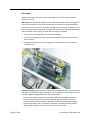
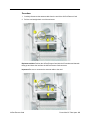
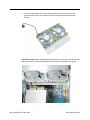
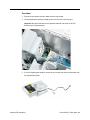
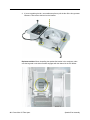
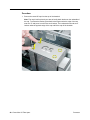
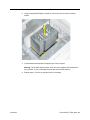
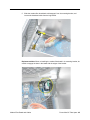
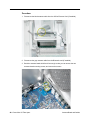
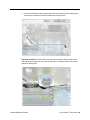
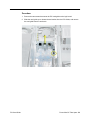
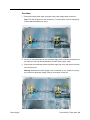
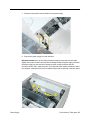
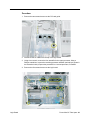
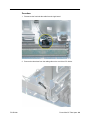
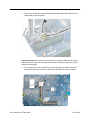
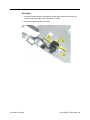
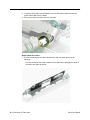
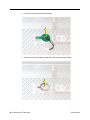
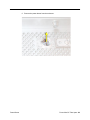
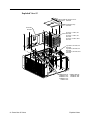
2. If you are replacing the fan(s) in the bracket, do the following:
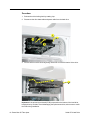
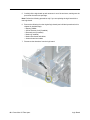
• Remove the fan cable from the cable guide.
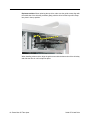
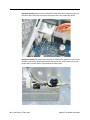
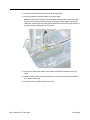
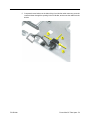
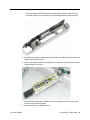
• Using needlenose pliers, pull the fan(s) off the grommet fasteners, and remove the
fan(s) and cable from the bracket.
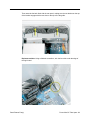
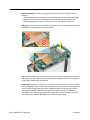
Important: If you are replacing two fans, be careful that you do not separate the fans
from each other. They are connected by a common cable.
16 - Power Mac G5 Take Apart
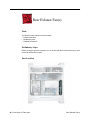
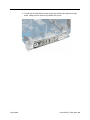
Front Inlet Fan(s)