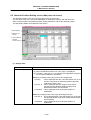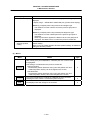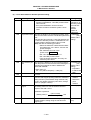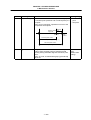
1
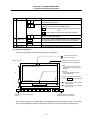
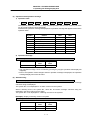
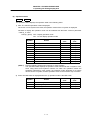
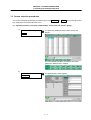
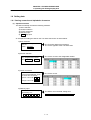
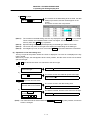
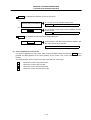
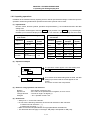
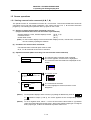
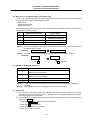
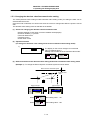
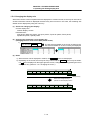
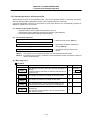
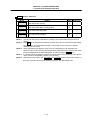
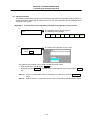
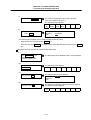
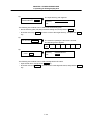
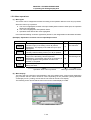
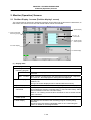
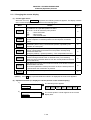
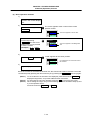
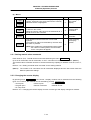
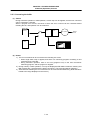
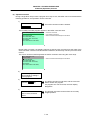
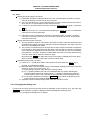
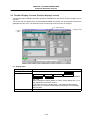
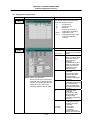
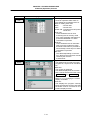
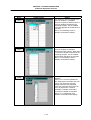
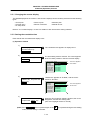
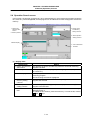
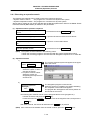
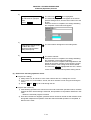
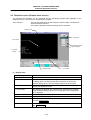
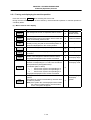
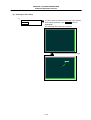
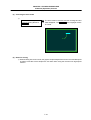
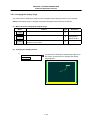
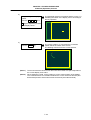
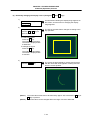
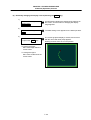
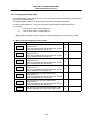
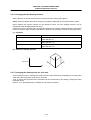
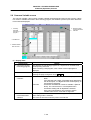
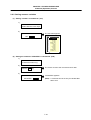
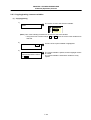
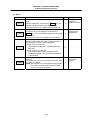
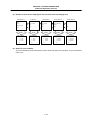
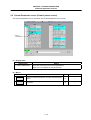
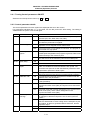
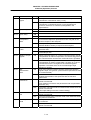
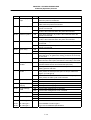
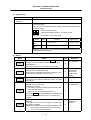
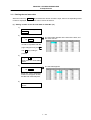
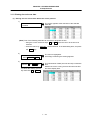
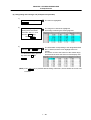
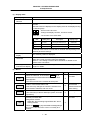
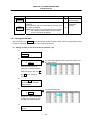
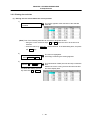
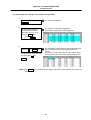
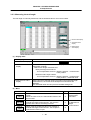
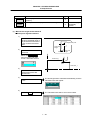
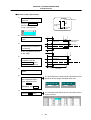
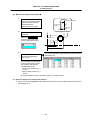
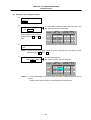
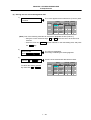
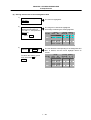
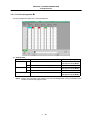
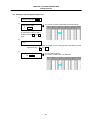
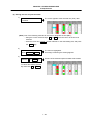
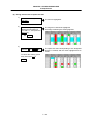
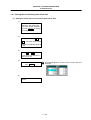
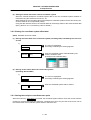
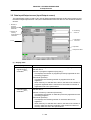
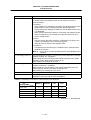
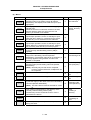
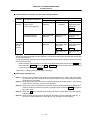
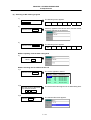
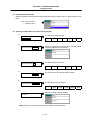
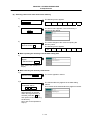
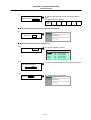
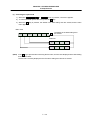
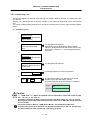
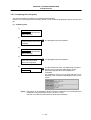
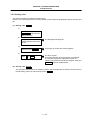
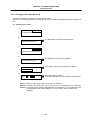
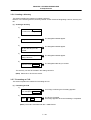
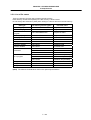
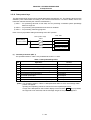
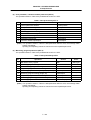
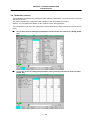
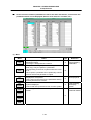
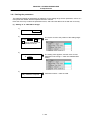
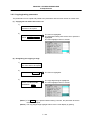
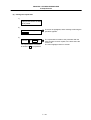
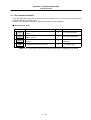
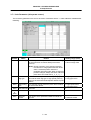
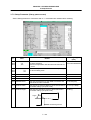
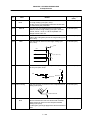
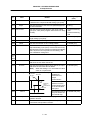
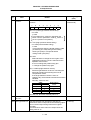
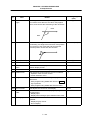
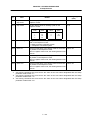
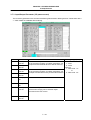
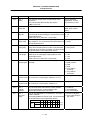
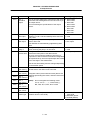
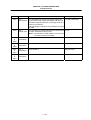
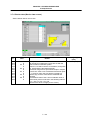
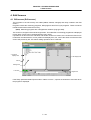
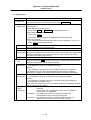
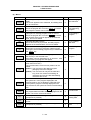
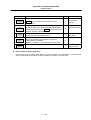
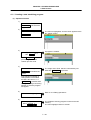
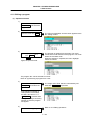
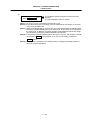
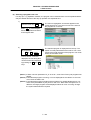
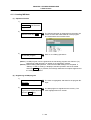
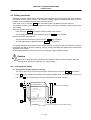
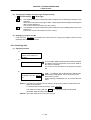
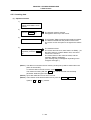
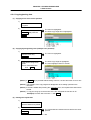
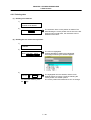
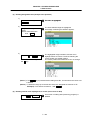
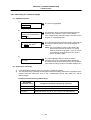
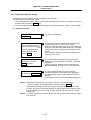
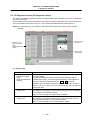
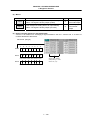
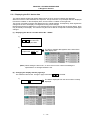
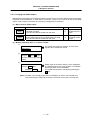
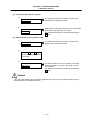
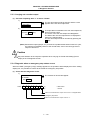
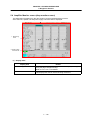
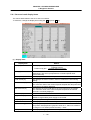
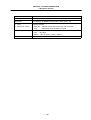
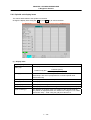
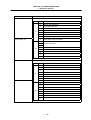
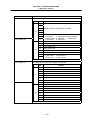
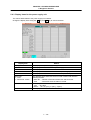
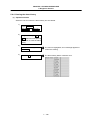
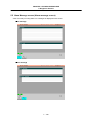
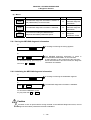
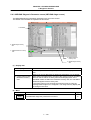
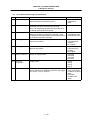
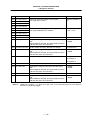
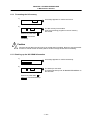
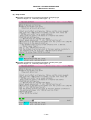
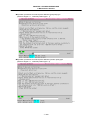
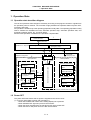
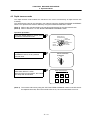
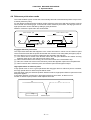
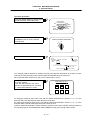
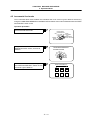
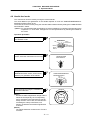
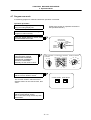
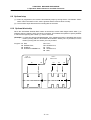
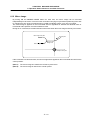
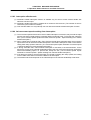
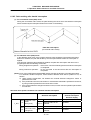
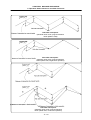
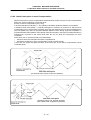
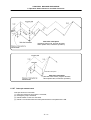
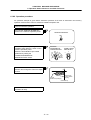
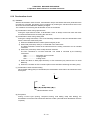
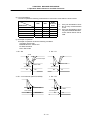
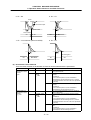
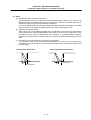
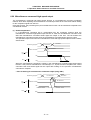
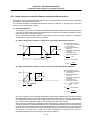
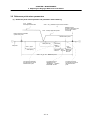
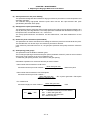
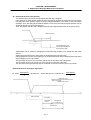
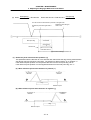
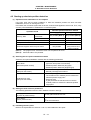
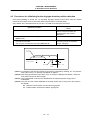
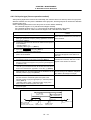
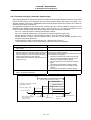
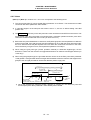
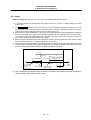
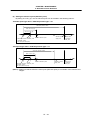
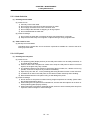
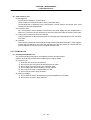
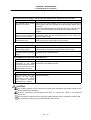
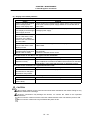
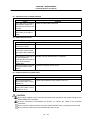
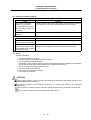
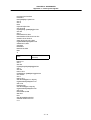
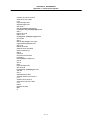
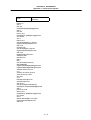
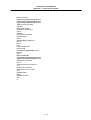
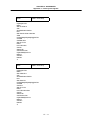
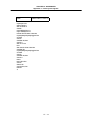
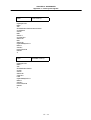
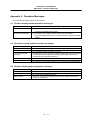
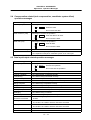
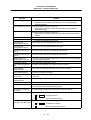
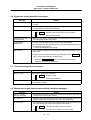
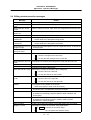
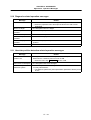
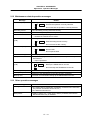
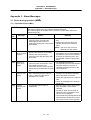
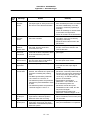
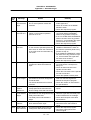
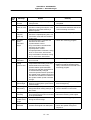
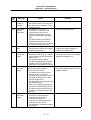
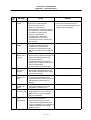
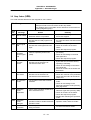
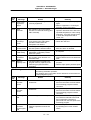
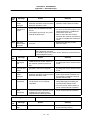
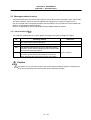
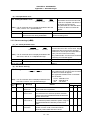
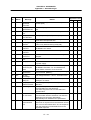
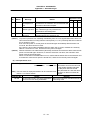
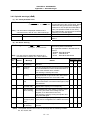
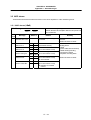
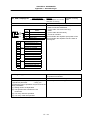
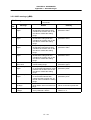
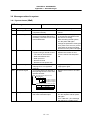
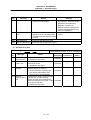
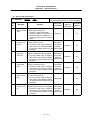
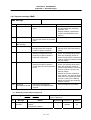
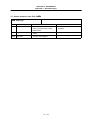
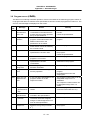
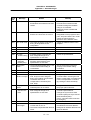
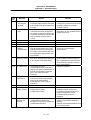
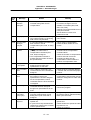
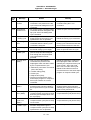
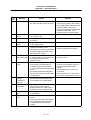
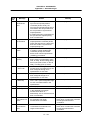
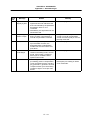
CHAPTER 1 SCREEN OPERATIONS 2. Monitor (Operation) Screens 2) Change the figure's display position. Press the → , ← , ↑ and The displayed graphics are erased, and the cursor ( ) indicating the center of the display moves according to the key operation. ↓ keys to adjust the position to the display center. G91 G28 XYZ; F1000; G0 X50. Y50. Z50.; G51.1 XYZ; G01 X20. Y20.Z20.; G50.1 XYZ; G90 X20. Y20. Z20.; G90 XYZ; 3) Press the INPUT key. The cursor position ( ) becomes the coordinate system that is the center of the screen. The drawing resumes from the current position. G91 G28 XYZ; F1000; G0 X50. Y50. Z50.; G51.1 XYZ; G01 X20. Y20.Z20.; G50.1 XYZ; G90 X20. Y20. Z20.; G90 XYZ; Exe c ut ing (Note 1) (Note 2) trace The amount that the center moves when the cursor shifts one space depends on the current display scale value. When displaying a solid, cursor position is not the center position of the display. This is because there is a deviation between the cursor movement amount (twodimensional) and the actual solid movement amount (three-dimensional). I – 53