1
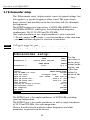
Operation of the EQ42/50/52
Chapter 5
5.3 VRM expansion
MENU
3,5
ZOOM
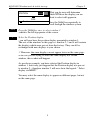
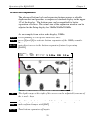
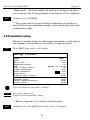
This feature will provide an expanded view of the area near the
Variable Range Marker which will give a better separation of echoes.
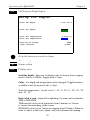
The actual size of the expansion window can be adjusted in the Setup
display for 38kHz/50kHz/200kHz. As an example, from active echo
display, 50kHz:
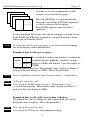
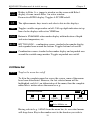
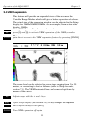
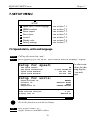
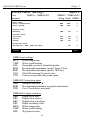
Press [MENU], to call up the menu bar, and…
press [3] and [5] to activate VRM expansion of the 50kHz sounder
or…
gain direct access to the VRM expansion feature by pressing [ZOOM]
FREQUENCY:
PULSE:
APOWER:
A-
50kHz
SHORT
1000W
T *.*°C S 0.0kn DK 5.0 m
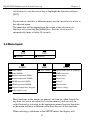
The zoom level can be selected in seven steps ranging from 3 to 50
meters, or converting to feet or fathoms (refer to Setup for units,
section 7.1). The VRM horizontal line can be moved up/down by
means of the cursor.
+/ENT
ENT
ZOOM
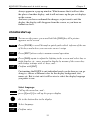
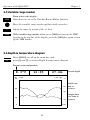
Adjust range with the + and - keys
Open Setup display (see section 5.8), if any changes are required
and confirm changes with [ENT]
Turn VRM expansion off again
22