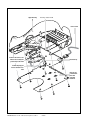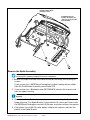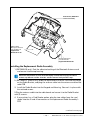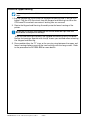
1
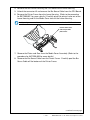
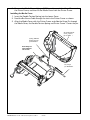
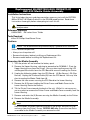
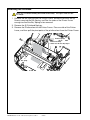
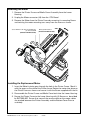
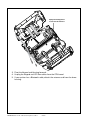
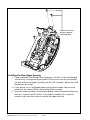
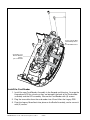
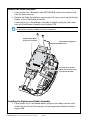
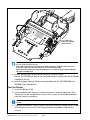
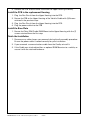
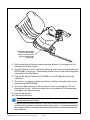
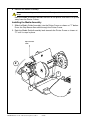
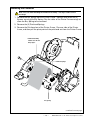
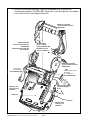
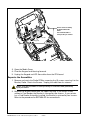
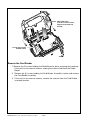
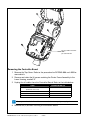
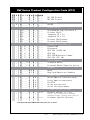
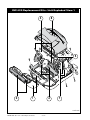
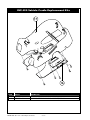
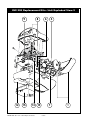
Radio Assembly. (Retain
mounting screws)
If a MCR/SmartCard is
installed, un-plug the two
cables into J2 and J4 on the
Radio Assembly.
J4
J2
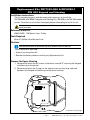
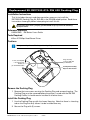
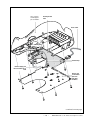
Remove the Radio Assembly
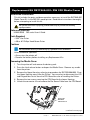
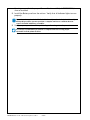
You must replace the Radio Assembly you have removed with one of the same type in order
for the printer’s regulatory markings to remain in conformance.
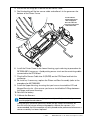
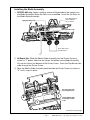
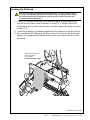
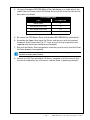
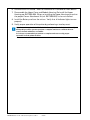
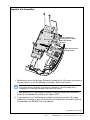
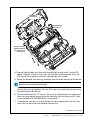
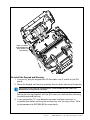
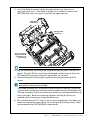
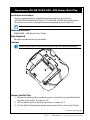
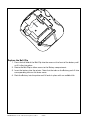
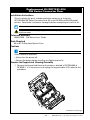
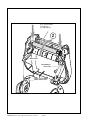
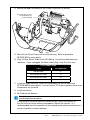
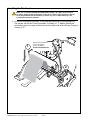
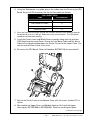
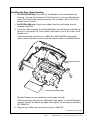
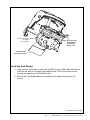
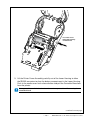
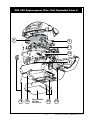
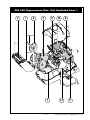
1. Remove the Radio PCB from the Radio Bracket by removing and retaining (2)
screws.
If your printer has a MCR/SmartCard option installed, unplug the two cables
from the Card Reader Assembly to the Radio PCB
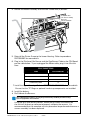
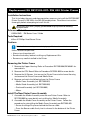
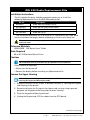
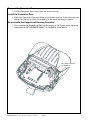
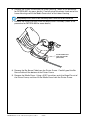
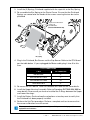
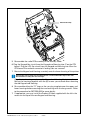
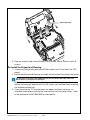
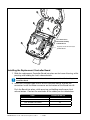
2. If your printer has a Bluetooth radio (RK17949-013), detach the antenna card
from the upper housing.
Use tweezers and isopropyl alcohol to loosen the Antenna card from the upper
housing.
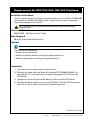
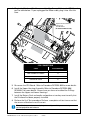
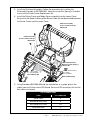
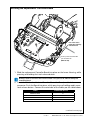
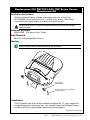
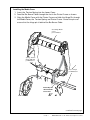
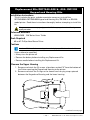
3. Remove the Radio Bracket by removing the screws securing the Bracket to the
Upper Housing. The Radio Bracket is secured with (4) screws on Printers with
the MCR/SmartCard option and with (2) Screws on printers without that option.
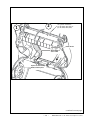
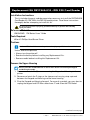
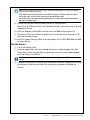
3. If the printer has an 802.11b radio option, remove the antenna card from the
pocket in the Radio Bracket.
RMAN-RWS-001 rev. B • RW Series Repair Procedures
• 2-94 •