1
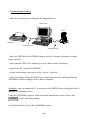
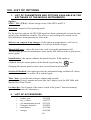
- the display then shows
0 adjust
(zero adjustment)
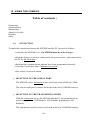
- validate by pressing key
- ensure that you are in a clean atmosphere
- the display then shows
XX : XX
and the 2 lamps come on
“XX” is the position of the 64-step digital potentiometer (automatic zero
adjustment)
“XX” is the value of the zero
- validate by pressing key
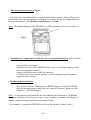
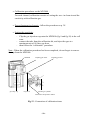
(fig.1).
as soon as the two common lamps go out
If the zero is still not stabilised (lamps are still on) but you still validate the “yes”
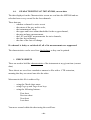
using key
the display will then show
repeat the zero adjustment.
bad adj
- the display then shows
S adj
and you return to the preceding state to
(sensitivity adjustment)
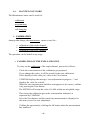
- validate by pressing key
- inject the calibration gas (see section on maintenance and upkeep)
- wait for the measurement to stabilise in order to ensure that the reading is valid (the
2 common lamps are out)
- validate by pressing key
- the display then shows
YES NO?
- the MX2000 asks you whether you wish to validate the preceding parameters.
- 27 -