1
DIRECT INTERNET DATA ----------------------------------------------------------------------------------------------WINDOWS NT4.0
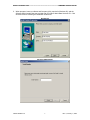
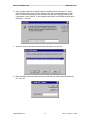
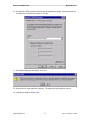
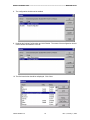
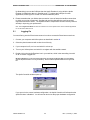
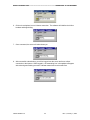
6. Enter the path containing the Apollo Emulator installation files for Windows NT. On the
Iridium World Data Services CD these files are in the \Direct Internet\WindowsNT folder.
Note: The letter corresponding to your CD-ROM drive will vary according to the specific
configuration of your machine. In the example shown below, the CD-ROM drive has been
assigned d:. Click OK.
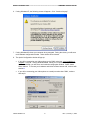
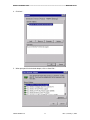
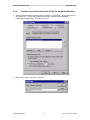
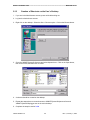
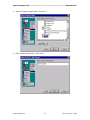
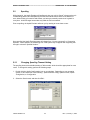
7. Select the driver for the Brand Communications Emulator, and click OK.
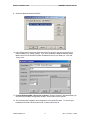
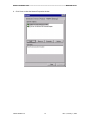
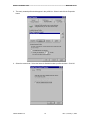
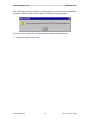
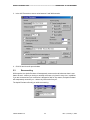
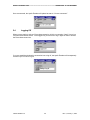
8. Enter the software serial number that was provided with your Iridium World Data Services
CD. Click OK.
Iridium Satellite LLC
12
Rev. 5; January 1, 2003