1
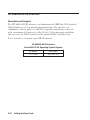
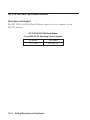
HP 98626A RS-232C Interface
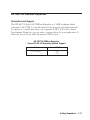
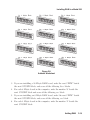
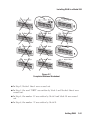
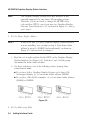
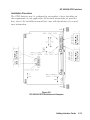
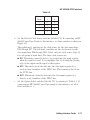
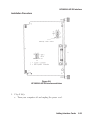
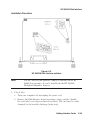
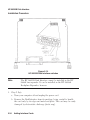
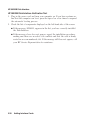
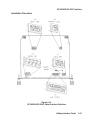
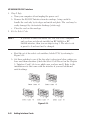
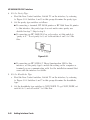
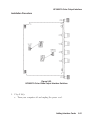
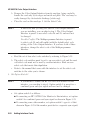
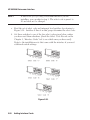
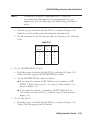
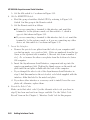
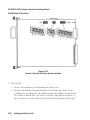
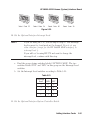
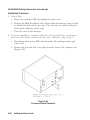
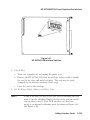
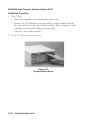
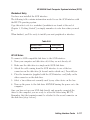
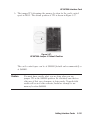
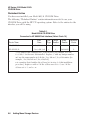
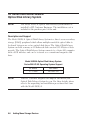
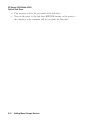
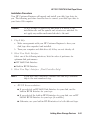
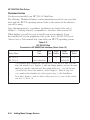
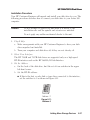
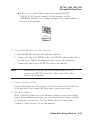
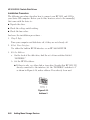
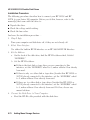
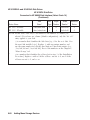
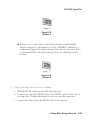
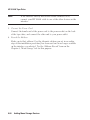
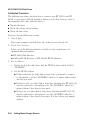
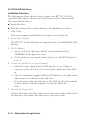
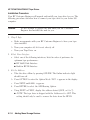
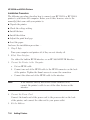
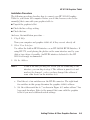
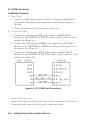
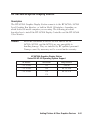
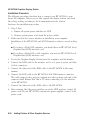
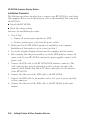
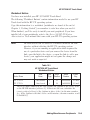
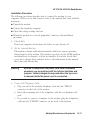
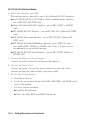
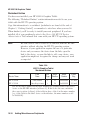
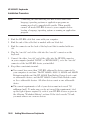
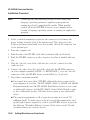
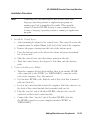
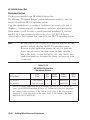
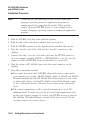
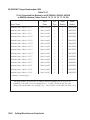
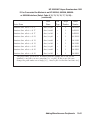
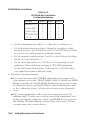
a. Find the group of Line Control switches, labeled U2 on the interface,
by referring to Figure 5-14. Switch 3 in this group is the parity enable
switch.
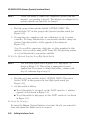
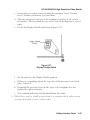
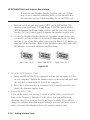
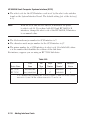
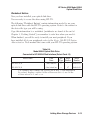
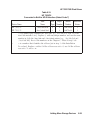
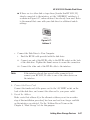
b. Set the parity enable switch as follows:
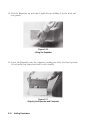
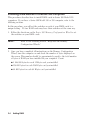
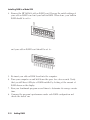
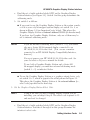
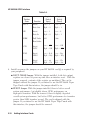
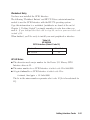
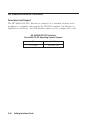
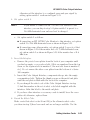
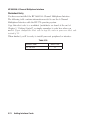
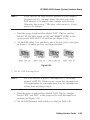
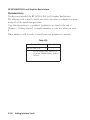
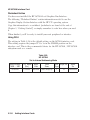
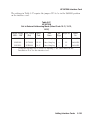
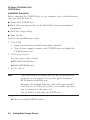
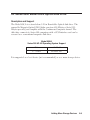
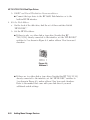
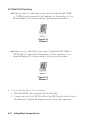
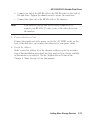
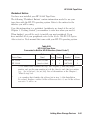
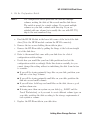
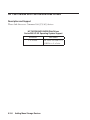
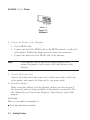
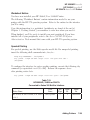
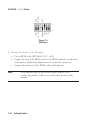
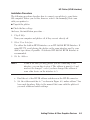
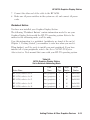
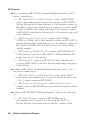
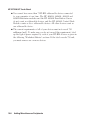
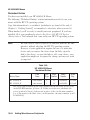
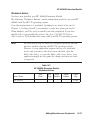
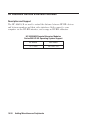
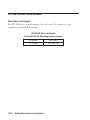
■ If connecting a terminal or an HP 2686 LaserJet printer to this
interface, set this switch to “parity disabled.” To disable parity, set
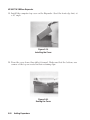
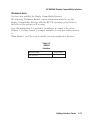
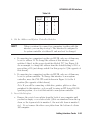
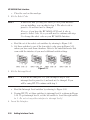
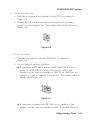
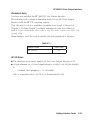
switch 3 to 0 like this:
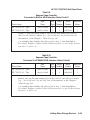
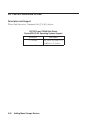
Figure 5-19.
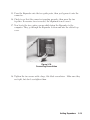
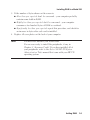
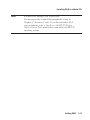
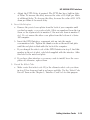
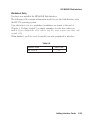
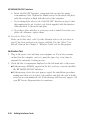
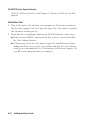
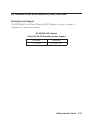
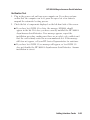
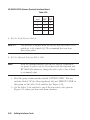
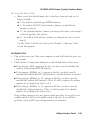
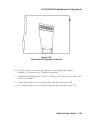
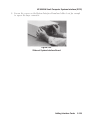
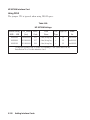
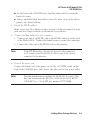
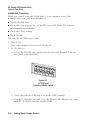
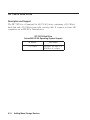
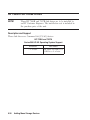
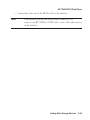
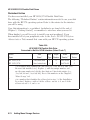
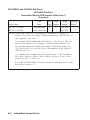
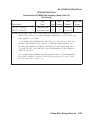
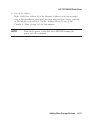
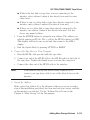
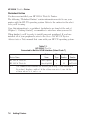
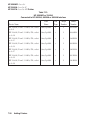
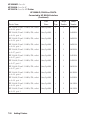
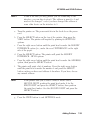
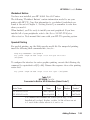
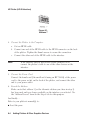
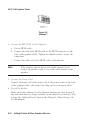
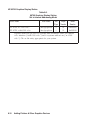
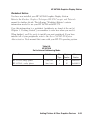
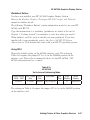
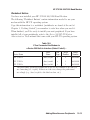
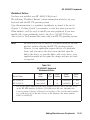
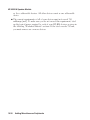
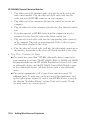
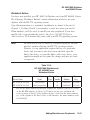
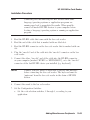
■ If connecting an HP 39800/01A bar code reader or an HP 92205A/C
Hayes Smartmodem 1200 to this interface, set this switch to “parity
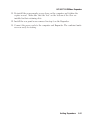
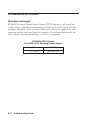
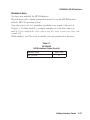
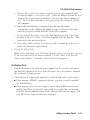
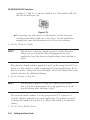
enabled.” To enable parity, set switch 3 to 1 like this:
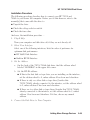
Figure 5-20.
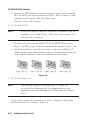
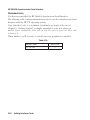
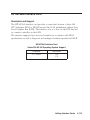
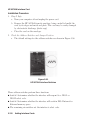
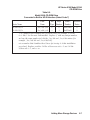
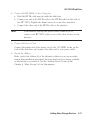
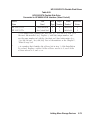
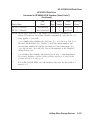
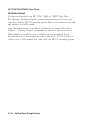
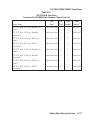
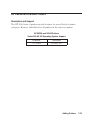
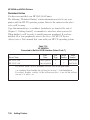
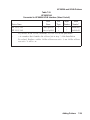
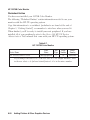
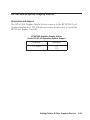
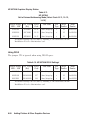
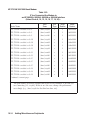
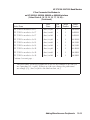
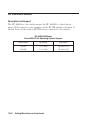
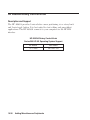
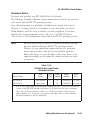
■ If connecting any other device to this interface, set this switch to
match that of the connected device.
Adding Interface Cards
5-45