1
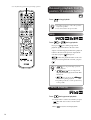
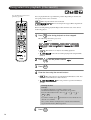
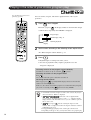
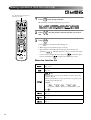
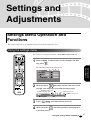
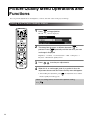
For better image quality (Progressive mode)
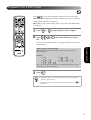
Set to the [Function] position before
performing operations
To enjoy clearer images, enable Progressive mode.
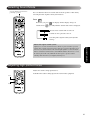
When stopped, or when there is no disc loaded in the disc tray,
press
.
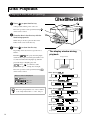
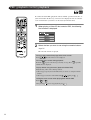
Whenever you press
the display window display changes in the
following way. Press until “PROGRESSIVE” is displayed.
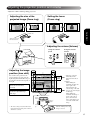
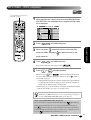
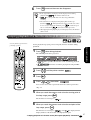
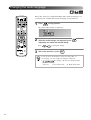
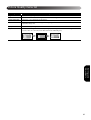
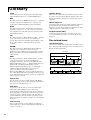
All scan lines are displayed in one video
field. This achieves a far superior image
than interlacing.
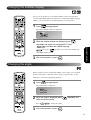
Traditional video system. A single screen
is made up of two video fields comprising
the odd number of scan lines and the even
number of scan lines, displayed
alternately.
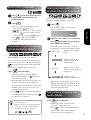
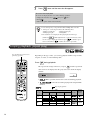
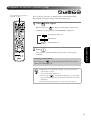
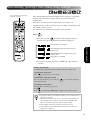
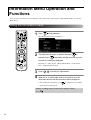
Tray lock
You can lock the disc tray so that small children cannot interfere with it. The
disc lock allows you to lock the tray when a disc has been inserted.
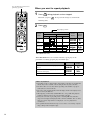
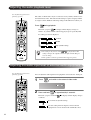
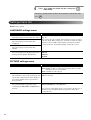
With the power turned on (
on the main unit, then press
is lit green) press and hold
.
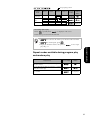
• “LOCKED” is displayed in the display window on the main unit, and
the disc tray is locked.
• To cancel the disc lock, follow the same procedure. “UNLOCKED” is
displayed in the display window on the main unit, and the disc tray
becomes unlocked.
36