1
•
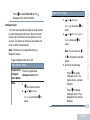
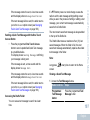
returns to the screen you were on prior to
initiating the call.
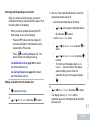
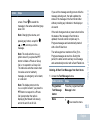
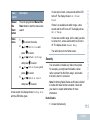
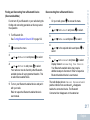
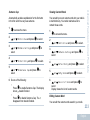
Press One Touch Access button.
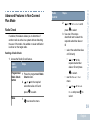
Advanced Features in Non-Connect Plus Mode
Note:
The DTMF tone sounds.
If the entry for the One Touch Access button
is empty, a negative indicator tone sounds.
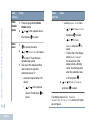
During the call, when you press One Touch
Access button with the deaccess code
preconfigured or enter the deaccess code as the
input for extra digits, your radio attempts to end
the call.
8
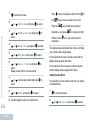
to end the call.
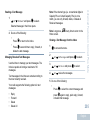
to proceed.
and press
The deaccess code cannot be more than 10
characters.
English
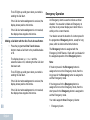
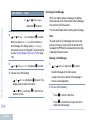
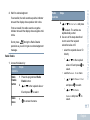
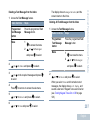
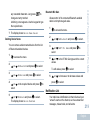
If successful, a tone sounds and the display shows
Phone Call Ended. Your radio returns to the Call
Phone screen.
If unsuccessful, your radio returns to the Phone
Call screen. Repeat Steps 8 on page 74 and 9 on
page 74 or wait for the telephone user to end the
call.
When the telephone user ends the call, a tone
sounds and the display shows Phone Call
Ended.
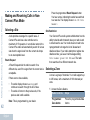
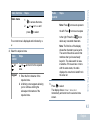
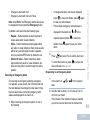
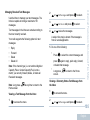
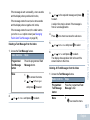
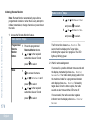
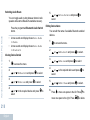
Making a Call Alias Search
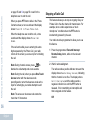
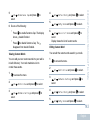
Press
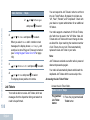
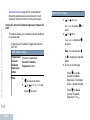
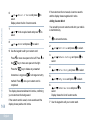
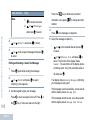
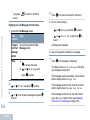
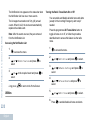
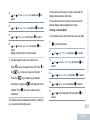
9 If deaccess code was not preconfigured in the
Contacts list, the first line of the display shows DeAccess Code:. The second line of the display
shows a blinking cursor. Enter the deaccess code
74
The DTMF tone sounds and the display shows
Ending Phone Call.
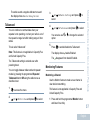
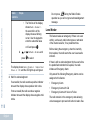
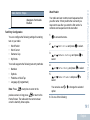
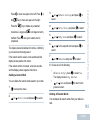
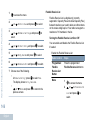
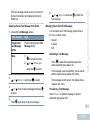
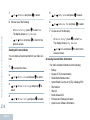
You can also use alias or alphanumeric search to
retrieve the required subscriber alias.
This feature is only applicable while in Contacts.
Note:
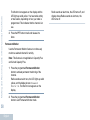
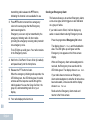
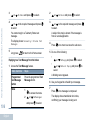
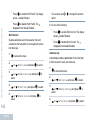
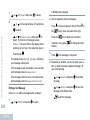
Press
button or
to exit alias search.
If you release the PTT button while the radio is setting
up the call, it exits without any indication and returns
to the previous screen.