1
The PowerTool Interface
Device Temperatures
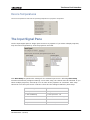
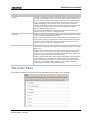
The Device Temperatures area lists the operating temperatures of projector components.
The Input Signal Pane
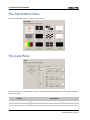
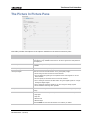
Use the Input Signal pane to assign input sources to a projector. If you select multiple projectors,
only the sources supported by all of the projectors are listed.
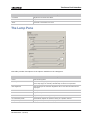
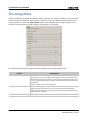
Click Auto Setup to optimize the settings for the selected input source. Selecting Auto Setup
overrides all manually configured settings. To use auto setup, the channel must be unlocked. If you
select multiple projectors, auto setup is run on each of the projectors in succession. Auto setup
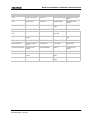
cannot be run if the input source is inactive. These are the settings modified by auto setup:
• Pixel tracking
• Contrast
• Pixel phase
• Brightness
• Size and blanking
• Auto input level - off
• Vertical stretch
• Detail (video sources only)
• Position
• Filter
• Input levels
• Luma delay
Christie PowerTool 3.1 User Manual
020-100035-04 Rev. 1 (02-2014)
7