1
EN | 86
Installation and User Guide | VIP X1/VIP X2
Closing the connection
The connection may be closed using a terminal program or Web browser.
Closing the connection with a terminal program
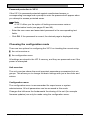
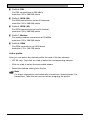
– Start the terminal program (see page 21); enter the command 4 in the main
menu to switch to the Rcp+ menu.
– Enter the command 5 in the Rcp+ menu to deactivate the automatic
connection.
Closing the connection with a Web browser
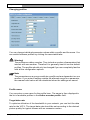
– Use the Web browser to connect to the receiver. Its home page will be
displayed.
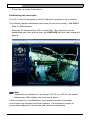
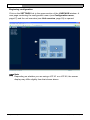
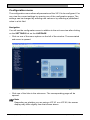
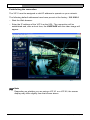
– In the title bar of the 'Monitor' window on the page CONNECTIONS, click on
the X icon to end the display of the video images on the connected monitor.
Operation
Bosch Security Systems | 2005-05 | V1.0