1
240 ZPL II COMMAND REFERENCE
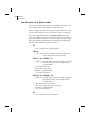
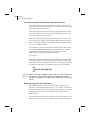
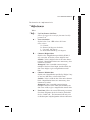
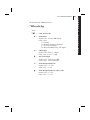
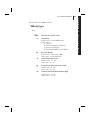
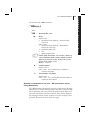
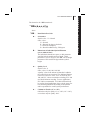
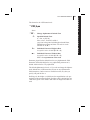
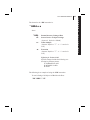
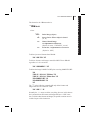
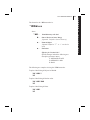
~H S
Host Status Return
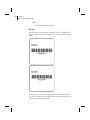
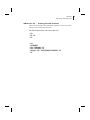
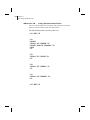
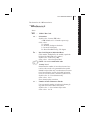
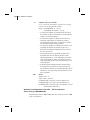
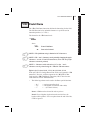
When the Printer Status Command, ~HS, is sent to the Zebra printer,
three data strings are sent back to the Host. Each string starts with an
<STX> Control Code and is terminated by an <ETX><CR><LF>
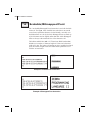
Control Code sequence. In this way, to avoid confusion, each String
will be displayed/printed on a separate line by the Host.
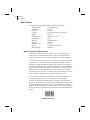
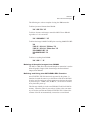
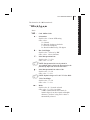
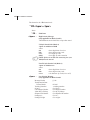
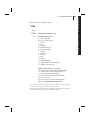
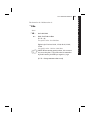
String 1
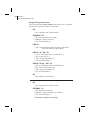
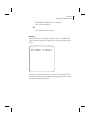
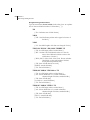
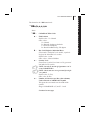
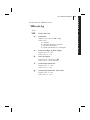
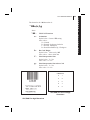
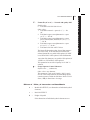
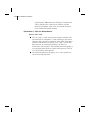
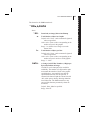
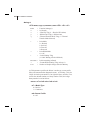
<STX>aaa,b,c,dddd,eee,f,g,h,iii,j,k,l<ETX><CR><LF>
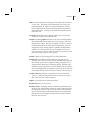
aaa
b
c
dddd
eee
f
g
=
=
=
=
=
=
=
h
iii
j
k
l
=
=
=
=
=
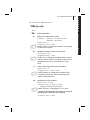
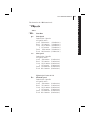
Communication (Interface) Settings (*)
“Paper Out” Flag (1=Paper Out)
“Pause” Flag (1=Pause Active)
Label Length (Value in Number of Dots)
Number of Formats in Receive Buffer
“Buffer Full” Flag (1=Receive Buffer Full)
“Communications Diagnostic Mode” Flag
(1= Diagnostic Mode Active)
“Partial Format” Flag (1=Partial Format in Progress)
UNUSED (Always 000)
“Corrupt RAM” Flag (1=Configuration Data Lost))
Temperature Range (1 = Under Temperature)
Temperature Range (1 = Over Temperature)
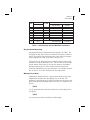
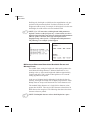
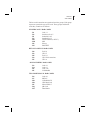
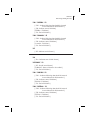
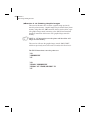
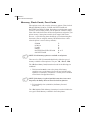
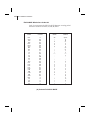
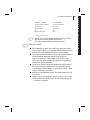
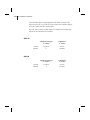
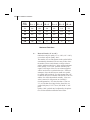
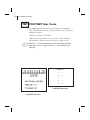
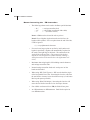
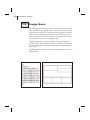
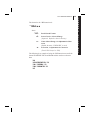
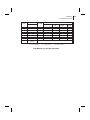
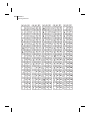
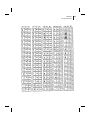
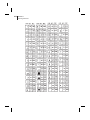
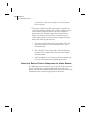
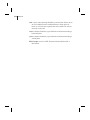
(*) This parameter specifies the Printer’s baud rate, # of data bits, # of
stop bits, parity setting and type of handshaking. This value is a
3-digit decimal representation of an eight-bit binary number. To
evaluate this parameter, first convert the decimal number to a binary
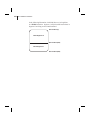
number. Then, the 9-digit binary number is read as follows: