1
9
9
Sounds
This menu allows you to configure the various tones that the phone plays when you receive a
call or a new text message, or some other event occurs.
Sounds
0
Go into the Sounds menu and press g,
Composer.
Changes the duration of the note.
Each press decreases the duration
of the note between the range: full
note, half note, quarter note, eighth
note, sixteenth note and thirtysecond note.
#
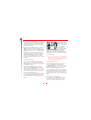
Change your ringer tones to personalise
your phone. Create your own tones with our
ring tone composer.
Changes a normal note to a sharp
and a sharp back to a normal note.
*
Changes a normal note to a dotted,
double dotted or 2/3 note.
c
Erases the previous note. A long
press will clear all notes.
Ringer
Select this option to set the ringing tone for
incoming calls.
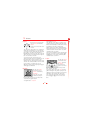
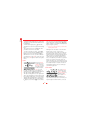
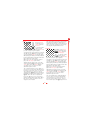
Ringer tone composer
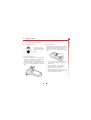
You have two entry methods.
Text
Notes are entered textually
☛ Tip: A short press of the : and ; keys
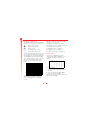
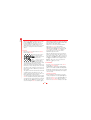
Graphic
Notes are entered on a musical score
will move you between notes in either
entry mode.
Both entry methods use the same key
presses unless stated.
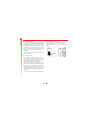
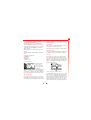
Once you have composed the tone press
g, Options to enter the menu screen. The
available options are:
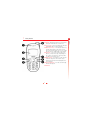
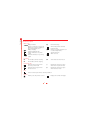
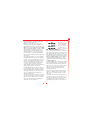
In this menu the keys represent the following
notes:
1
C
5
G
2
D
6
A
3
E
7
B
4
F
8
Enters a rest (text mode)
;
Enters a rest (graphic mode)
9
Changes the scale of the note
between the range 1-4
Tempo
Allows you to choose from a list of tempos
at which to play your tone.
Play
Allows you to play your melody.
Save
Allows you to save your melody.
Delete
Allows you to delete the tone.
16