1
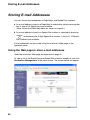
Storing E-mail Addresses
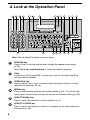
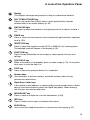
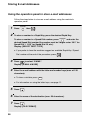
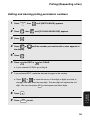
Using the operation panel to store e-mail addresses
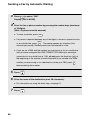
Follow the steps below to store an e-mail address using the machine’s
operation panel.
FUNCTION
1
Press
2
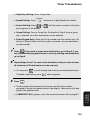
To store a number in a Rapid Key, press the desired Rapid Key.
then
.
SPEED DIAL
To store a number in a Speed Dial number, press
and enter the
desired Speed Dial number (the number must be 3 digits: enter “001” for
Speed Dial 1, “010” for Speed Dial 10, etc.).
Display: [SELECT DEST. TYPE]
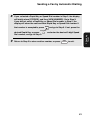
• If you prefer to have the machine suggest an available Rapid Key / Speed
Dial number at the end of the procedure, press
.
3
Press
to select “E-MAIL”.
Display: [E-MAIL # MODE]
4
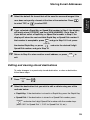
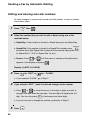
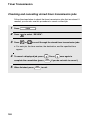
Enter the e-mail address with the letter and number keys (max. of 128
characters).
• To clear a mistake, press
DEL
.
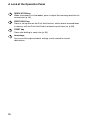
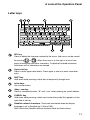
• For information on using the letter keys, see page 11.
38
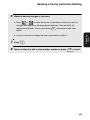
5
Press
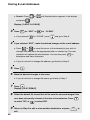
6
Enter the name of the destination (max. 20 characters).
7
Press
.
Display: [FILE FORMAT]
START
START
.