1
TV GUIDE
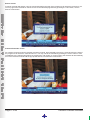
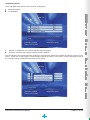
The TV Guide offers you programming information for up to 8 days (if supported by the broadcaster). To access the TV Guide
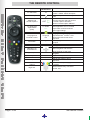
press the “TV GUIDE” button on the remote.
Use the arrow buttons on the remote to scroll through the TV Guide grid.
The “P+/P-” buttons will move the grid right/left by 24 hours.
Press the “INFO” button to launch the extended information of the highlighted event.
REMINDER POP-UPS
There are two types of reminders - banner and autotune, these are used to either “remind” you of a programme or to
automatically tune the decoder to a channel at a specific time.
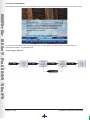
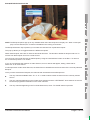
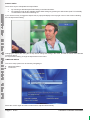
Once a reminder is set on the selected programme, the reminder icon will be displayed on the i-Plate indicating to the
user that a reminder is set.
How to Set a Reminder
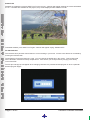
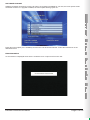
To set a banner, select the required programme you want to be reminded about (either on the i-Plate or TV Guide)
and press the “OK” button, a B icon appears next to your selected programme, confirming that the banner is been set.
To change the reminder from a banner to an autotune, press the “OK” button again, changes the icon to an A
confirming that an autotune banner is set.
How to Delete Reminder
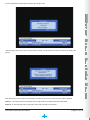
Highlight the programme which the reminder was set on in the i-Plate, then press the “OK” button until the Cancel
reminder appears.
You can also delete a reminder from the TV Guide.
Decoder Features and Menu
Page 10 of 22