1
Selecting and Playing Songs
Playing the Songs
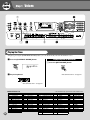
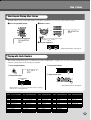
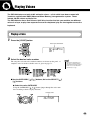
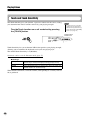
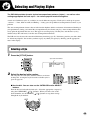
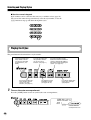
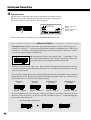
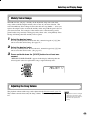
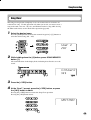
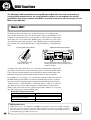
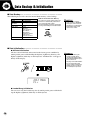
The Panel buttons below function as Song controls.
Turns on the A-B Repeat
function (page 54).
Pauses playback.
Reverses the playback
position.
Starts and stops
song playback.
Advances the playback
position.
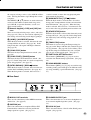
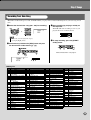
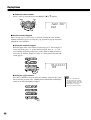
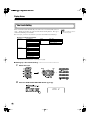
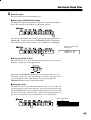
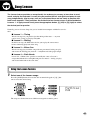
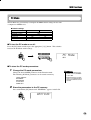
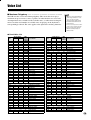
About the Song Tracks
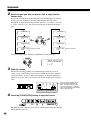
● Song track indicators
Melody tracks
Style track
Indicates track is enabled for playing
Indicates track is muted or
contains no data
Track 2 generally contents
data for the left hand.
The “A” track contents Style
(accompaniment) data.
Track 1 generally contents
data for the right hand.
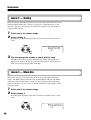
1
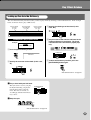
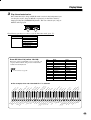
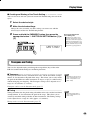
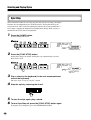
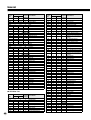
Start the selected song.
Press the [START/STOP] button. As the song plays back, the measure number and chords are shown in the display.
2
• You can play along with the song
using the currently selected
voice, or even select a different
voice for playing along. Simply
call up the Voice mode while the
song is playing back and select
the desired voice. (See page 23.)
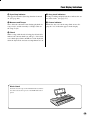
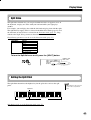
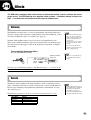
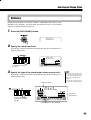
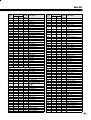
Stop the song.
Press the [START/STOP] button. If playback was started by pressing the
[START/STOP] button, the selected song stops automatically.
53