1
NetVu ObserVer
Receiving Alarms
Once the system is configured for receiving alarms, ensure both the NetVu ObserVer software and the Event
Distribution Point software are running.
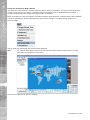
When an alarm is triggered, the Primary host will receive the alarm. This will be displayed in ObserVer in two
ways;
–Added to an Event List in the viewer
–Display the alarm image within the viewer
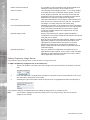
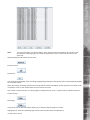
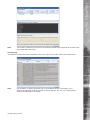
Event List - NetVu Observer will display all events within the event list, this will detail; the unit name, time & date,
the camera input and the type of alarm.
Controlling Alarms
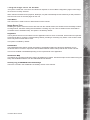
When an alarm is received and logged it can be accepted for review by the Operator within NetVu Observer.
Note:
Events can not be accepted or closed within the Event Distribution Point software. This
distributes the alarm to specific operators. NetVu Observer accepts and closes Events.
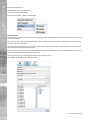
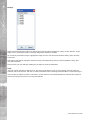
Highlight the alarm from the event list in the viewer and click the right mouse to open the option to accept the
event. Events sent to other operators must be accepted by that user.
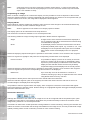
When the selected event has been reviewed, it is possible to Close this event which will remove the entry from
the event list.
This information will be recorded in the EDP database for review or reporting at a later date.
34
Dedicated Micros ©2006