1
Epson AcuLaser C2900 Series
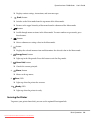
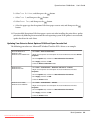
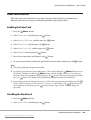
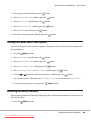
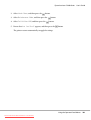
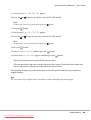
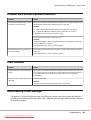
2. Select Admin Menu, and then press the
User’s Guide
button.
3. Select Maintenance Mode, and then press the
4. Select Initialize NVM, and then press the
button.
button.
5. Ensure that Are You Sure? appears, and then press the
button.
The printer restarts automatically to apply the settings.
Using the Operator Panel Menus
Downloaded from ManualsPrinter.com Manuals
141