1
Chapter 2: AT+i Commands Reference
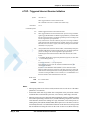
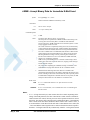
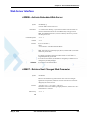
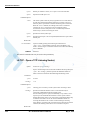
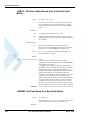
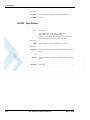
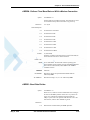
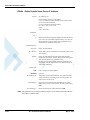
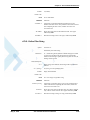
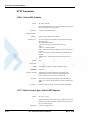
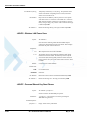
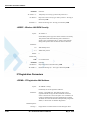
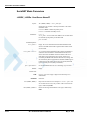
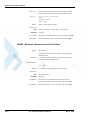
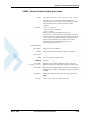
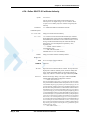
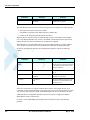
str="
str=<string>
Default:
Empty: No media subtype string defined, the default will be used.
string will be used as the media subtype string. A list of subtype
strings is detailed in “MIME Content Types and Subtypes” on
page A-1.
'octet-stream'.
Result Code:
I/OK
I/ERROR
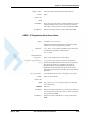
If str is an empty or a legal media subtype string.
Otherwise.
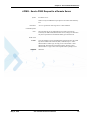
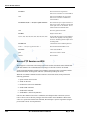
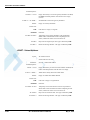
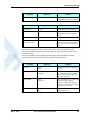
AT+iMST~str
Temporarily set the media subtype string to str. The permanent
value will be restored after completing the next session, whether
the session was successful or not.
AT+iMST?
Report the current media subtype string. If the string is empty,
only <CRLF> will be returned. The reply is followed by I/OK.
AT+iMST=?
Returns the message 'String'. The reply is followed by I/OK.
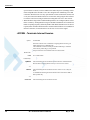
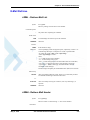
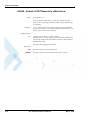
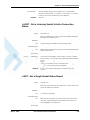
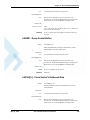
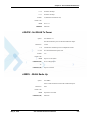
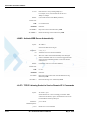
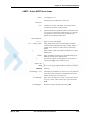
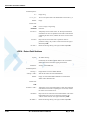
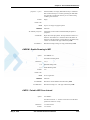
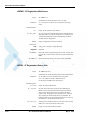
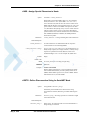
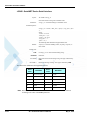
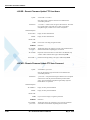
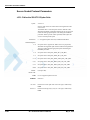
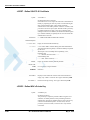
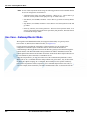
+iFN - Attachment File Name
Syntax:
AT+iFN=fname
Permanently sets the attachment file name string used for
generating Email messages with a MIME encapsulated
attachment.
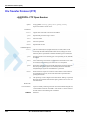
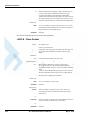
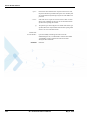
Parameters:
fname = Attachment file name.
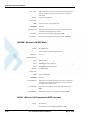
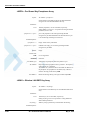
Command Options:
fname="
fname=<str>
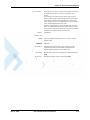
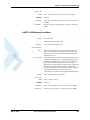
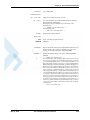
Default:
Empty: No file name string defined, the default will be used.
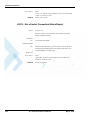
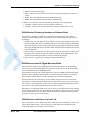
str will be used as the file name string when constructing a MIME
attachment. The file name should be complete with an explicit
extension.
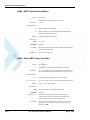
W24 generated unique filename, without an extension.
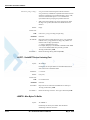
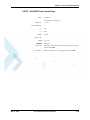
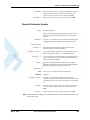
Result Code:
I/OK
I/ERROR
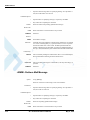
Otherwise.
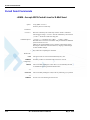
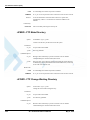
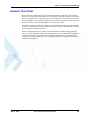
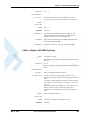
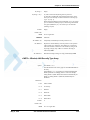
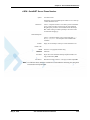
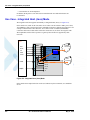
AT+iFN~fname
Temporarily set the file name string to fname. The permanent
value will be restored after completing the next session, whether
the session was successful or not.
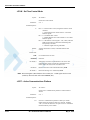
AT+iFN?
Report the current file name string. If the filename is empty, only
<CRLF> will be returned. The reply is followed by I/OK.
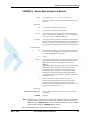
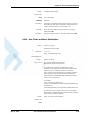
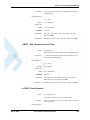
AT+iFN=?
May 31, 2008
If fname is an empty or a legal file name string.
Returns the message 'String'. The reply is followed by I/OK.
AT+i Commands Reference Manual
2-151