1
SD9K digital drum kit User manual
song edit
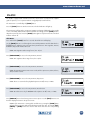
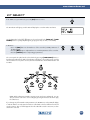
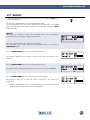
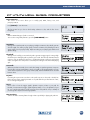
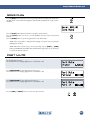
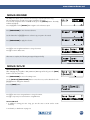
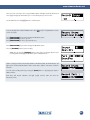
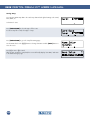
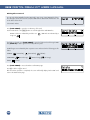
In SONG mode, press the [EDIT] button to enter the Song Edit menus. The Edit indicator will
light up. The first page of Song Edit selects the Edit sub-menu: Song, Drums, Percussion Parts 1
through 5.
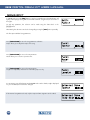
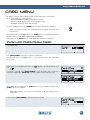
As with any parameter, this selection can be made using the data wheel or the
[+]/[-] buttons.
Alternatively, this sub-menu can also be changed by pressing the [EDIT] button repeatedly.
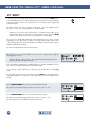
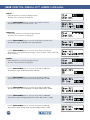
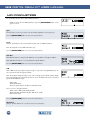
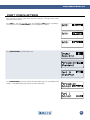
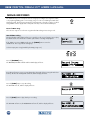
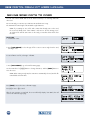
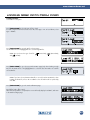
The first option is Global Song parameters.
Press [PAGE DOWN] to enter the Song parameters sub-menu.
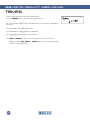
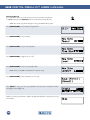
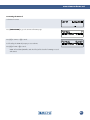
Tempo allows you to adjust the tempo of the song.
Press [PAGE DOWN] to access the next parameter.
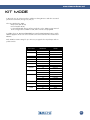
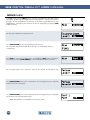
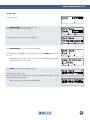
Mode allows you to select Loop or One Shot.
Press [PAGE DOWN] to access the next parameter.
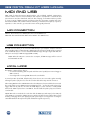
Length is not adjustable, and shown for informative purposes only.
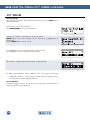
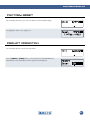
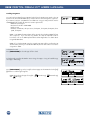
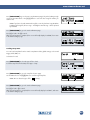
For an existing song, default Tempo and playing mode can be edited; Length is displayed
for your information, but it cannot be changed.
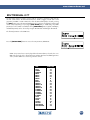
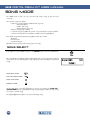
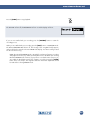
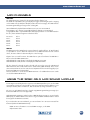
If the External Song 000 is selected, only the tempo and Time Signature can be edited.
30
The First Name in Electronic Drums.