1
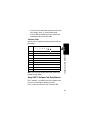
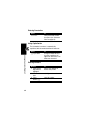
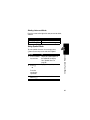
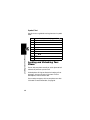
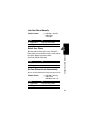
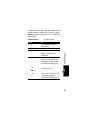
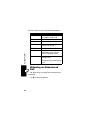
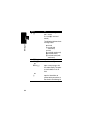
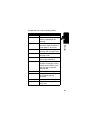
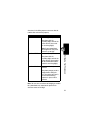
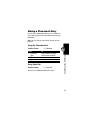
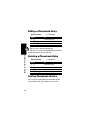
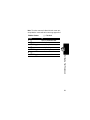
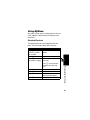
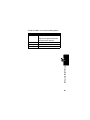
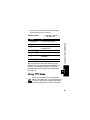
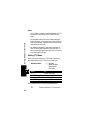
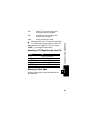
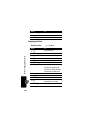
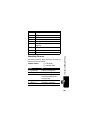
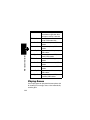
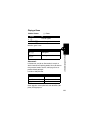
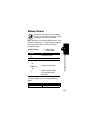
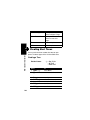
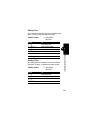
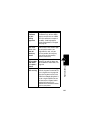
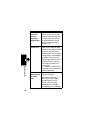
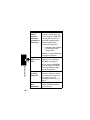
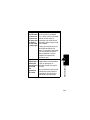
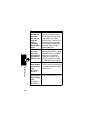
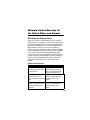
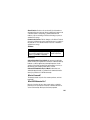
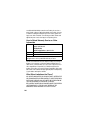
The Inbox Menu can include the following options:
Option
Delete
Call Back
Forward
Chat
Lock
Store
Delete All
Cleanup
New Message
Setup
Messages
Reply
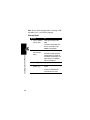
Description
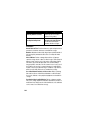
Delete the message.
Call the number in the message
header or embedded in the
message.
Open a new text message, with
the sender’s Reply To number or
email address in the To field.
Open a copy of the text
message, with an empty To field.
Open a chat session with the
message sender
Lock the message so that
cleanup does not delete it.
Display a list of items that can
be stored, including the sender’s
number or email address, and a
selected image or sound file.
See page 60.
Delete all inbox messages.
Delete all unlocked messages,
or all unlocked and read
messages.
Open a new text message.
Open the text message inbox
setup menu.
63