1
cs-1262_2007-08-27.fm Page 9 Wednesday, September 19, 2007 2:33 PM
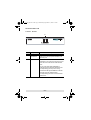
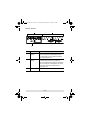
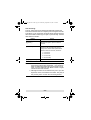
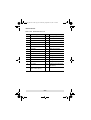
Rear Panel
1
2
3
No.
Component
Description
1
Console Port
Section
The cables from your keyboard, monitor,
mouse, microphone, and speakers plug in
here. Each port is color coded and marked
with an appropriate icon.
2
KVM Port
Section
The cables that link the switch to your
computers plug inhere. Each KVM Port
section is comprised of a keyboard, DVI video,
mouse, microphone, and speaker port. Each
port is color coded and marked with an
appropriate icon.
3
Power Jack
The power adapter cable plugs in here.
-9-