1
VFD-M Series
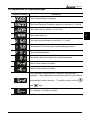
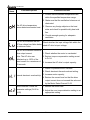
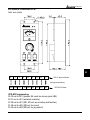
Function / Program
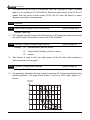
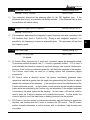
MODE
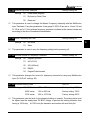
Pressing the “mode” key repetitively displays the AC drive status such as the
reference frequency, output frequency, and output current.
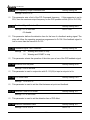
Enter
ENTER
Pressing the “ENTER” key will store or display parameter settings.
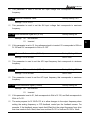
Run
RUN
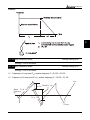
Starts AC drive operation. This key has no effect when the drive is controlled by
the External Control Terminals.
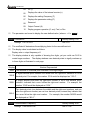
Stop / Reset
STOP
RESET
Used to stop AC drive operation. If the drive has stopped due to a fault, clear the
fault first, then press this key to reset the drive.
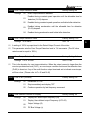
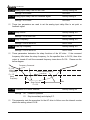
Up / Down
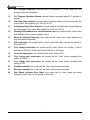
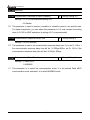
Press the “Up” or “Down” keys momentarily to change parameter settings. These
keys may also be used to scroll through different operating values or parameters.
Pressing the “Up” or “Down” key momentarily, will change the parameter settings in
single-unit increments. To quickly run through the range of settings, press and
hold the “DOWN” key.
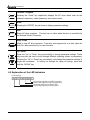
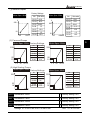
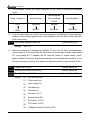
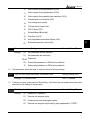
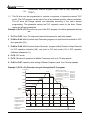
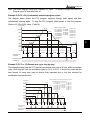
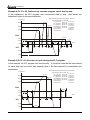
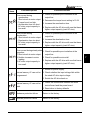
4.2 Explanation of the LED Indicators
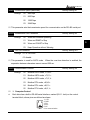
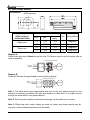
LED Displays
RUN
STOP
FWD
REV
Green lamp lights during REV operation.
Green lamp lights during FWD operation.
Red lamp lights by pressing STOP.
Green lamp lights by pressing RUN.
4-2
DELTA ELECTRONICS, INC. ALL RIGHTS RESERVED