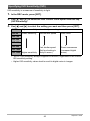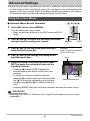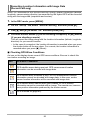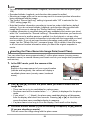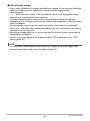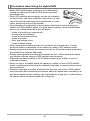
1
3.
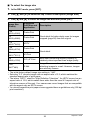
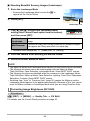
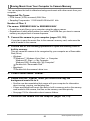
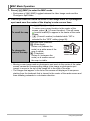
Press [SET].
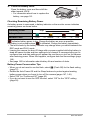
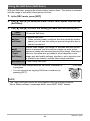
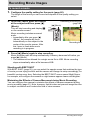
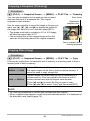
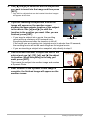
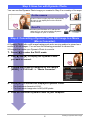
This will display a full-screen view of the image (user image or photogenic spot
image) where the image cursor was located in the image list.
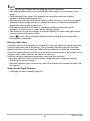
• While a full-screen image is displayed, you can use [4] (scrolls to the image
that was above the current image in the image list) and [6] (scrolls to the
image that was below the current image in the image list) to scroll to another
image.
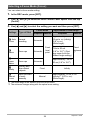
• Sliding the zoom controller towards z ([) will zoom in on and enlarge the
image (page 75).
• Sliding the zoom controller towards w (]) will display a multi-image screen
containing the images that were in the image list (page 75).
4.
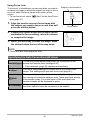
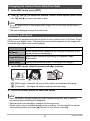
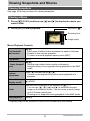
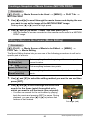
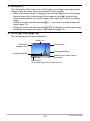
Press [8] (DISP) (page 152).
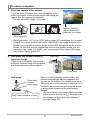
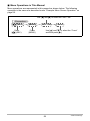
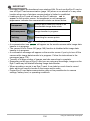
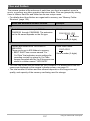
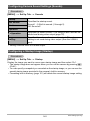
This will display the following information.
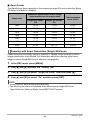
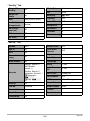
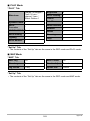
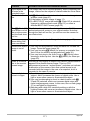
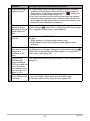
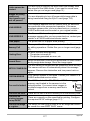
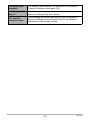
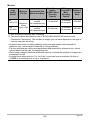
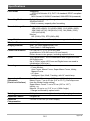
Mode icon
GPS wave
condition icon
Current time
Shooting date/time
Longitude/latitude
Distance from radar screen
line center
Place name
(The name will scroll if it does not fit.)
103
Using the Hybrid-GPS