1
Using the Menu Screen
Menu Selections
(Settings)
1
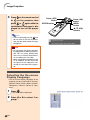
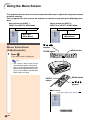
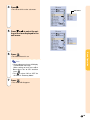
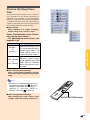
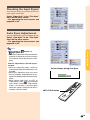
Press
" , ', \, |
buttons
ENTER button
MENU button
.
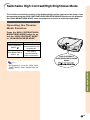
• The menu screen is displayed.
Note
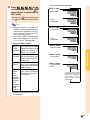
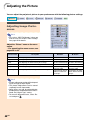
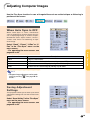
• The “Picture” menu screen for the
selected input mode is displayed.
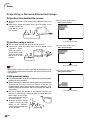
• The on-screen displays shown on
the lower right are displayed when
INPUT 1, 2 or 5 mode is selected
while RGB signals are input.
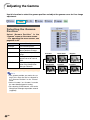
2
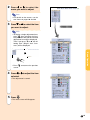
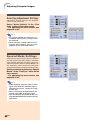
Press \ or | to select the
menu you want to adjust.
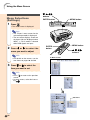
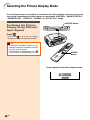
ENTER
button
MENU button
', " , \, |
buttons
Note
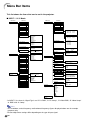
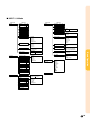
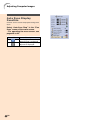
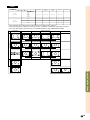
• For details on the menus, see the
tree charts on pages 38 and 39.
3
▼ Menu screen
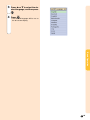
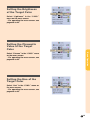
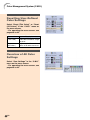
Press " or ' to select the
item you want to set.
Note
• Press
to return to the previous
screen.
• In some menus, select the icon us”.
ing “
Sub menu
-42