1
Appendix A - Software Version Loading Using TFTP
6
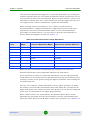
Use the TFTP utility, with the following syntax, to perform the upgrade:
tftp -i hostaddress put sourcefile [destinationfile]
where -i is for binary mode and hostaddress is the IP address of the unit to be
upgraded. put causes the PC client to send a file to the hostaddress.
7
The original sourcefile name of SW files supplied by Alvarion is in the structure
uX_Y_Z.bz, where u is the unit type (a for BU, s for RB) and X.Y.Z is the
version number.
8
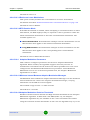
destinationfile is the name of the file to be loaded. Use the SNMP write
community <SnmpWriteCommunity>.bz to define the destination filename.
The default SNMP write community is private. For example, to load the
upgrade file a5_0_13.bz to a BU whose IP address is 206.25.63.65: tftp -i
206.25.63.65 put a5_0_13.bz private.bz
9
When the loading is complete, the following message is displayed, indicating
completion of the TFTP process:
Download operation has been completed successfully
10 The unit decompresses the loaded file and checks the integrity of the new
version. The new version replaces the previous shadow version only after
verification. If verification tests fail, the loaded version will be rejected. Among
other things that are tested, the unit will reject a file if either the file name or
the version number matches either the current Main or Shadow versions. The
unit will also reject a file designated for a different unit type, e.g. a BU upgrade
file with the prefix a in the original file name will not be accepted by RBs.
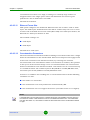
11 The FLASH memory can store two software versions. One version is called
Main and the second version is called Shadow. The new version is loaded into
the Shadow (backup) FLASH memory. To check that the new firmware was
properly downloaded and verified, view the firmware versions stored in the
FLASH, as follows:
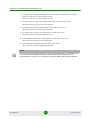
a
From the Main Menu, select 2 - Unit Control.
b
From the Unit Control menu, select 5 - Flash Memory Control.
c
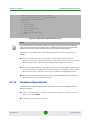
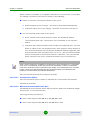
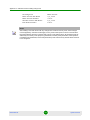
From the Flash Memory Control menu, select S - Show Flash Versions. The
following information is displayed:
Flash Versions
============
BreezeNET B
182
System Manual