1
Chapter 1 / Section 4 Playing Back Still Images, Movies, and Sounds
Viewing Still Images Recorded
on Internal Memory
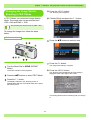
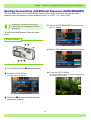
To view still images recorded on internal
memory, follow the steps below.
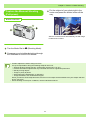
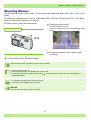
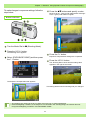
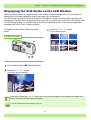
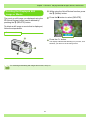
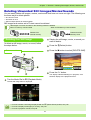
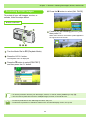
Buttons used here
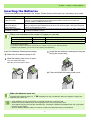
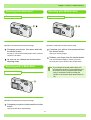
If an SD Memory Card is loaded, turn off the
power, remove the SD Memory Card and
turn the power back on.
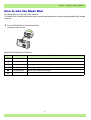
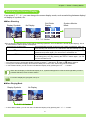
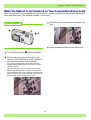
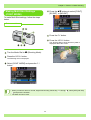
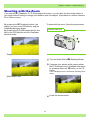
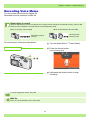
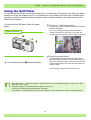
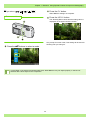
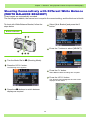
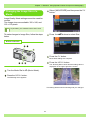
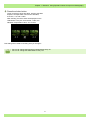
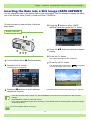
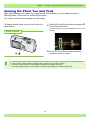
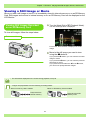
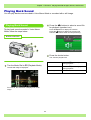
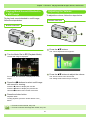
Turn the Mode Dial to 6 (Playback Mode).
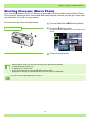
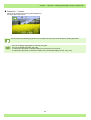
The last still image taken is displayed.
For movies, the first frame is displayed as a still
image.
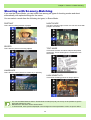
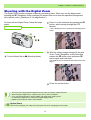
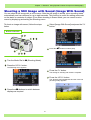
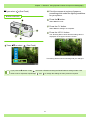
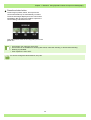
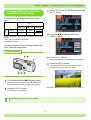
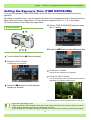
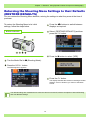
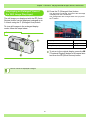
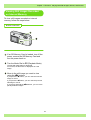
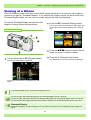
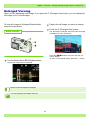
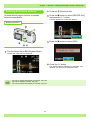
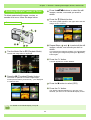
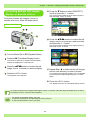
Move to the still image you want to view
using the #$ buttons.
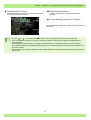
If you press the $ button, you can view the next still
image or movie.
If you press the # button, you can view the previous
still image or movie.
If you press and hold the #$ buttons, you can move
quickly between images.
84