1
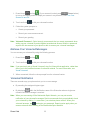
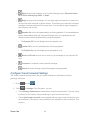
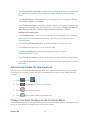
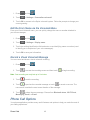
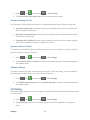
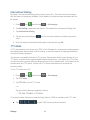
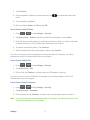
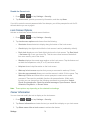
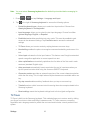
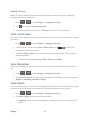
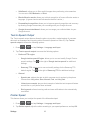
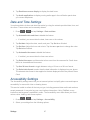
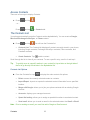
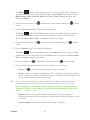
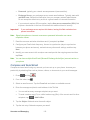
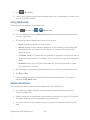
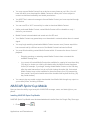
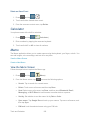
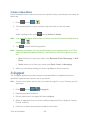
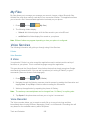
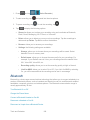
Call Forwarding Call Forwarding lets you forward all your incoming calls to another phone number – even when your phone is turned off. You can continue to make calls from your phone when you have activated Call Forwarding. Note: You are charged a higher rate for calls you have forwarded. Activate Call Forwarding 1. Press and tap 2. Tap . . 3. Enter the area code and phone number to which you want your calls forwarded. 4. Tap . (You will hear a tone to confirm the activation of Call Forwarding.) Deactivate Call Forwarding 1. Press and tap . 2. Tap 3. Tap . . (You will see a message and hear a tone to confirm the deactivation.) In-call Options While you’re on a call, you will see a number of onscreen options. Tap an option to select it. ● Add call: displays the dialer so you can call another person. ● Keypad: displays the onscreen keypad, where you can enter numbers using DTMF (Dual Tone Multi-Frequency). This is especially helpful if you need to enter an access code or other information while on an active call. ● End call: terminates the call. ● Speaker: routes the phone’s audio either through the speaker or through the earpiece. Tap Speaker to route the audio through the speaker. (You can adjust the speaker volume using the volume keys.) A green line will appear under the Speaker button. Tap Speaker again to use the phone’s earpiece. The green line will disappear when Speaker is not activated. Phone Calls 43