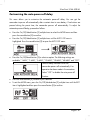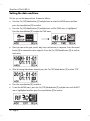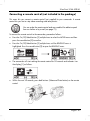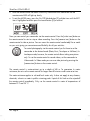
1
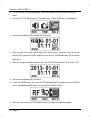
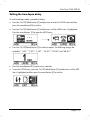
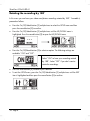
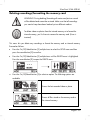
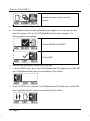
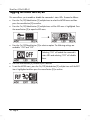
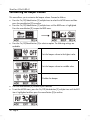
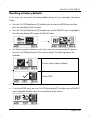
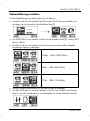
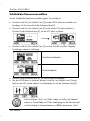
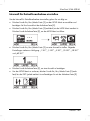
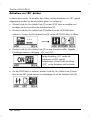
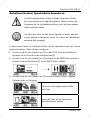
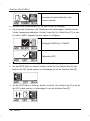
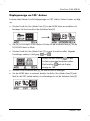
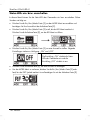
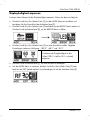
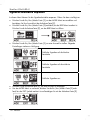
SilverCrest SCAA 5.00 A1 Resetting to factory defaults In this menu you can restore the factory-default settings of your camcorder. Proceed as follows: Press the On/Off/Mode button [2] multiple times to select the MORE menu and then press the record button [9] to confirm. Press the On/Off/Mode button [2] multiple times until the DEFAULT menu is highlighted. Press the record button [9] to open the DEFAULT menu. You’ll have to confirm the factory reset. If you want, you can also cancel this process. Press the On/Off/Mode button [2] to select an option. The following options are available: Confirm (reset to factory defaults) Cancel (EXIT) Press the record button [9] to confirm your selection. To exit the MORE menu, press the On/Off/Mode button [2] multiple times until the EXIT item is highlighted and then press the record button [9] to confirm. English - 45