1
CHAPTER 2 : OPERATION GUIDE
2.1 Starting the CS-S10w Software
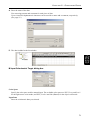
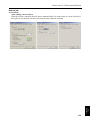
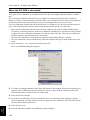
Select the CS-S10w icon registered with the Start menu. You can also start the software by selecting the
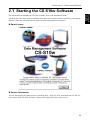
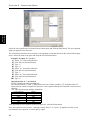
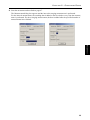
data file. When the CS-S10w software starts, the following splash screen appears.
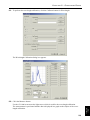
■ Splash screen
CS-S10w 1.50.0004
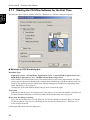
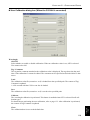
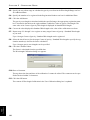
■ Version information
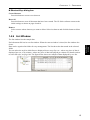
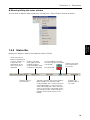
You can also display the splash screen by selecting Help - About CS-S10w from the menu bar. The current version of the CS-S10w software is shown at the upper left corner of the screen.
23
Starting the
CS-S10w
Software
For information on installing the CS-S10w software, refer to the Installation Guide.