1
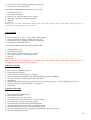
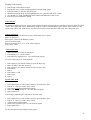
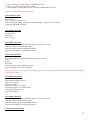
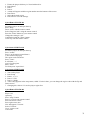
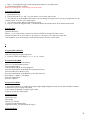
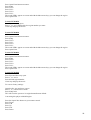
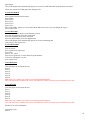
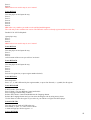
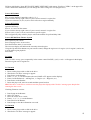
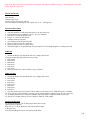
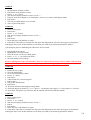
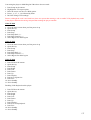
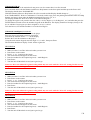
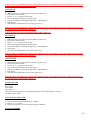
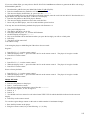
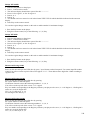
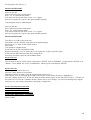
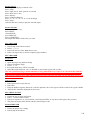
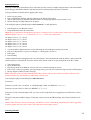
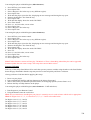
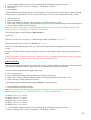
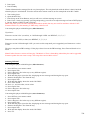
On the Remote Control press Setup
Then Mute
Then Last
Then Next
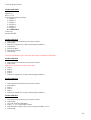
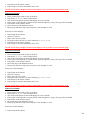
RCA DRA-4008AUK
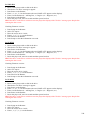
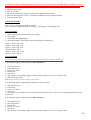
1. Turn on the player, and without a disc in the drive, (using the remote).
2. Press Menu, 1, 6, 7 on the remote.
3. The player will ask you for a region code. Enter the required region number. This player does NOT
region free setting.
4. Alternatively, press the required region number.
have a
Note: This player can play both PAL and NTSC DVD's after the region setup. Anamorphic PAL DVDs play
perfectly, as well.
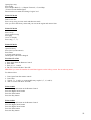
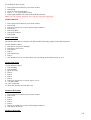
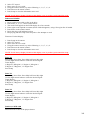
RCA DRC-220N
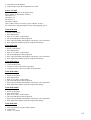
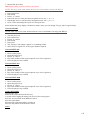
1. Turn on the player, and without a disc in the drive, (using the remote).
2. Press Menu, 1, 6, 7 on the remote.
3. The player will ask you for a region code, and if you press 0, "Region Free" flashes on the screen for a second
(either that or "Region Unlocked"). The player is now region free.
4. Alternatively, press the required region number.
NB: You MAY also be able to change Macrovision settings as well.
Note: This player can play both PAL and NTSC DVD's after the region setup. Anamorphic PAL DVDs play
perfectly, as well.
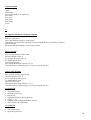
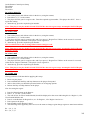
RCA DRC-300N
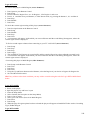
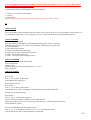
1. Turn on the player, and without a disc in the drive, (using the remote).
2. Press Menu, 1, 6, 7 on the remote.
3. The player will ask you for a region code, and if you press 0, "Region Free" flashes on the screen for a second
(either that or "Region Unlocked"). The player is now region free.
4. Alternatively, press the required region number.
Note: This player can play both PAL and NTSC DVD's after the region setup. Anamorphic PAL DVDs play
perfectly, as well.
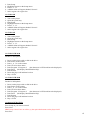
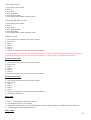
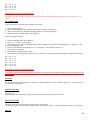
RCA MRP-1150
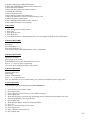
Always perform a Cold Start before applying this setup:
1.
2.
3.
4.
Power on your player
Press and hold both the Play and Stop buttons on the players front panel
After a short while you should be presented with a set of language options
Release the Play and Stop buttons on the player.
Now for setting the region:
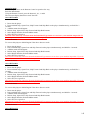
1. Press the Repeat button on the Remote
2. Press 3, 8, 7, 6 and 7 on the remote.
3. The code 02 (01 for USA/Canada Models) should be displayed on the screen indicating this is a Region 2 (1 for
USA/Canada Models) unit
4. Press 9 on the Remote for Region free, or 1 for Region 1, 2 for Region 2 and so on...
5. Press Open on the player
6. Press Standby on the Remote Control
7. The following codes apparently allow access to the menu to change region change region on American machines:
R1 - 2, 9, 3, 3, 4
R2 - 3, 8, 7, 6, 7
203