1
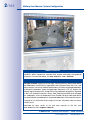
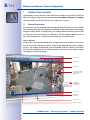
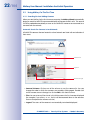
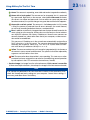
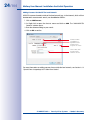
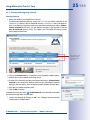
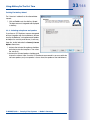
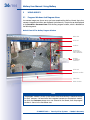
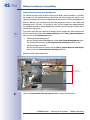
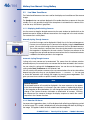
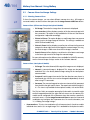
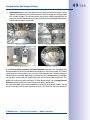
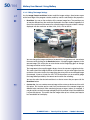
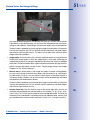
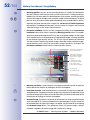
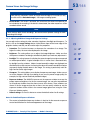
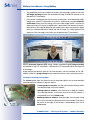
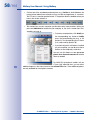
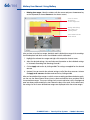
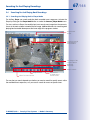
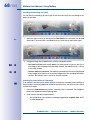
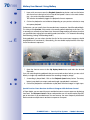
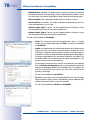
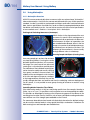
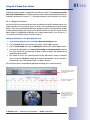
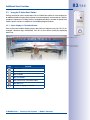
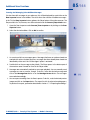
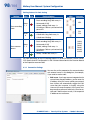
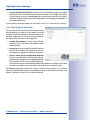
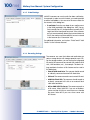
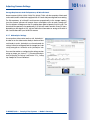
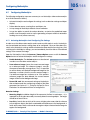
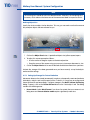
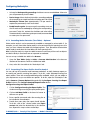
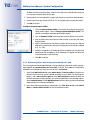
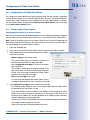
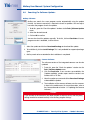
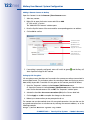
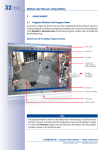
42/144 MxEasy User Manual: Using MxEasy Camera Overview And Camera Management The Camera Overview offers a quick overview of all areas under surveillance. It includes live images from all selected cameras. You decide which live images are shown in the Camera Overview by selecting live image display for the cameras in Camera Management. With this selection, you also determine which live images are shown in the Default and Panorama views. This way, it is possible to “lock“ the live images and image playback for individual cameras in certain application scenarios without having to remove these cameras from the system. If you select more than four cameras for display, the live images from these cameras will only be shown if you activate the Camera Sequencer (via the Views | Camera Sequencer menu) or click on the Next Camera button. • Activating Camera Management: You can activate Camera Management via the View | Camera Management menu. This automatically activates the Camera Overview and Layouts button as well. • Activating Camera Overview: You can activate Camera Overview via the Views | Camera Overview and Layouts menu or with the Camera Overview and Layouts button. Elements Of The Camera Overview: Camera live images Click on the Camera Overview and Layouts button to return to Default View. © MOBOTIX AG • Security Vision Systems • Made in Germany www.mobotix.com • sales@mobotix.com