1
EX-22F-EU English
12
19/9/06
10:17
Page 12
electrolux operation
Before first use
Before operation
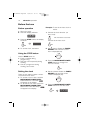
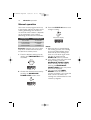
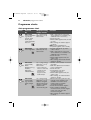
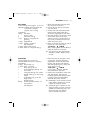
1. Plug in the oven.
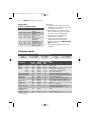
2. The oven display will flash:
Example: To set the 24 hour clock to
23:35.
1. Choose the clock function. (12
hour clock).
x1 and hold for 3 seconds
3. Press the STOP button, the display
will show:
x1
4. To set the clock, see below.
Choose the 24 hour clock.
x1
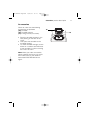
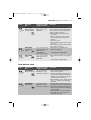
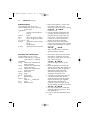
2. Set the hours. Rotate the TIMER/
WEIGHT knob until the correct
hour is displayed (23).
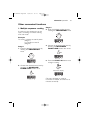
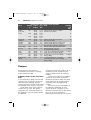
Using the STOP button
Use the STOP button to:
1. Erase a mistake during
programming.
2. Stop the oven temporarily during
cooking.
3. Cancel a programme during
cooking, touch twice.
3. Press the MICROWAVE POWER
LEVEL button to change from
hours to minutes.
x1
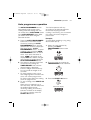
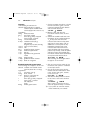
Setting the clock
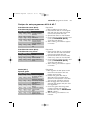
There are two setting modes: 12 hour
clock and 24 hour clock.
1. To set the 12 hour clock, hold the
MICROWAVE POWER LEVEL
button down for 3 seconds.
will appear in the display.
2. To set the 24 hour clock, press the
MICROWAVE POWER LEVEL
button once more after Step 1,
will appear in the display.
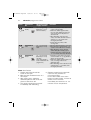
4. Set the minutes. Rotate the TIMER/
WEIGHT knob until the correct
minute is displayed (35).
5. Press the MICROWAVE POWER
LEVEL button to start the clock.
x1